
Introduction
Recordings are longer than the material they contain. A lecture has setup time, an interview has thinking pauses, a screen recording has the seconds where nothing was said because something was being clicked. Removing those stretches by hand means scrubbing a timeline and making the same decision hundreds of times.
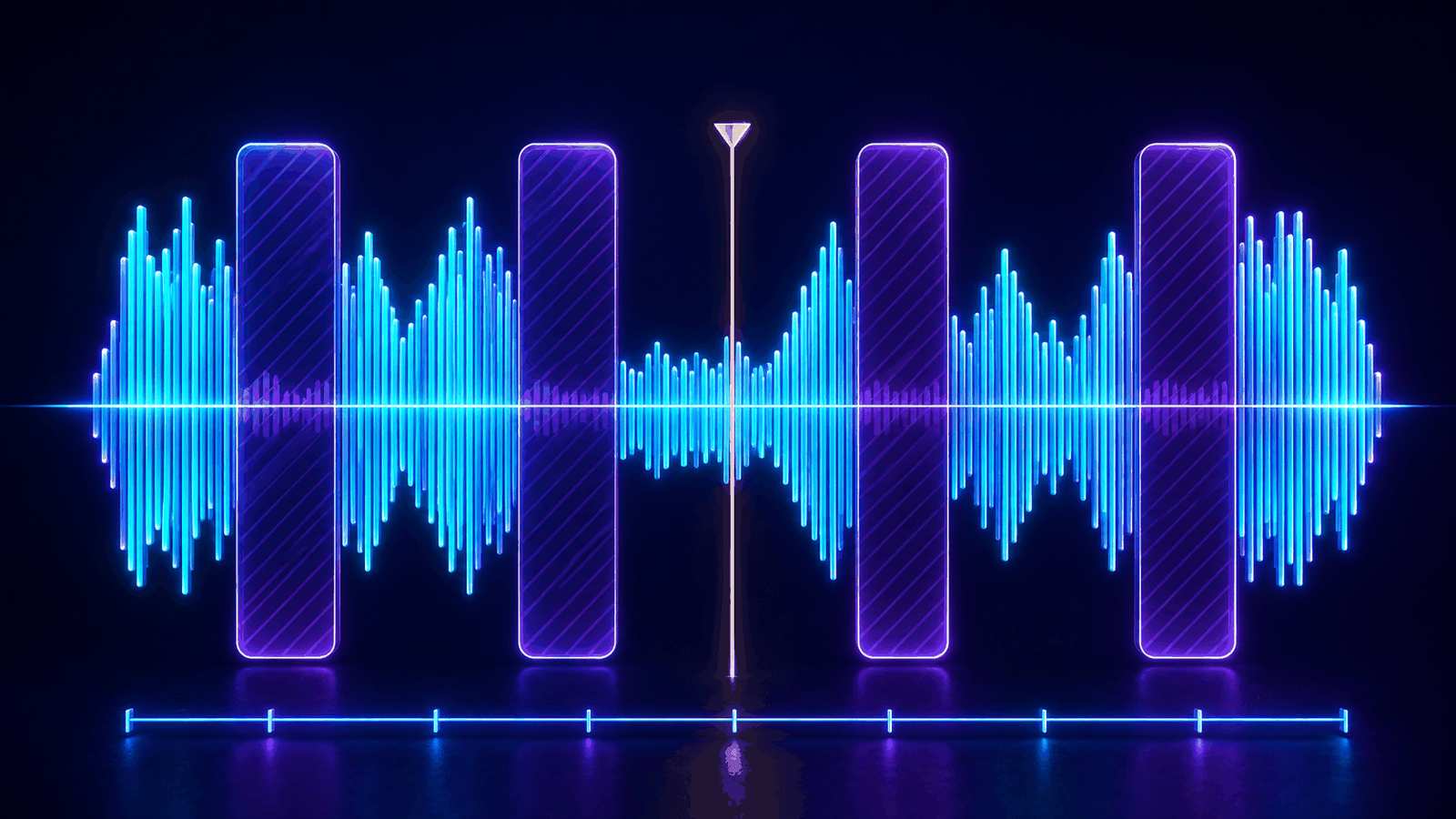
A silence cutter automates the mechanical half of that work: it measures how loud the audio is, moment by moment, decides which quiet stretches are long enough to be worth removing, and rebuilds the timeline without them. The Free Silence Cutter does all of it inside the browser tab, so the recording never leaves the machine it was made on.
What "silent" actually means
Digital silence — every sample at zero — barely exists outside synthetic files. Real recordings have a noise floor: room tone, preamp hiss, a fan, traffic. Detection therefore cannot ask whether the signal is absent; it has to ask whether the signal is quiet enough, for long enough, to be a pause rather than a gap between two words.
That turns into two independent thresholds. A level threshold, expressed in decibels relative to full scale, decides what counts as quiet. A duration threshold decides how long quiet has to last before it counts as a pause. Everything else a silence cutter does — margins, minimum segment lengths, channel strategies — exists to keep those two thresholds from cutting into speech.
Technical foundations and behavior
The analysis is a streaming reduction. Audio is decoded in small pieces, each piece is squared and averaged into fixed-length windows, each window is converted to decibels, and the samples are discarded. What survives is a few numbers per window, which is what allows an hours-long file to be analysed in a tab with a few hundred megabytes to spare.
RMS, dBFS and the zero problem
Root mean square is the square root of the mean of the squared samples, and it tracks perceived loudness far better than peak amplitude: a single click can peak high while contributing almost nothing to how loud a passage sounds. The RMS of a window is then converted with 20 × log10(rms), which yields dBFS, where 0 dB is the loudest a digital signal can be and everything below it is negative.
A window of true digital silence has an RMS of exactly zero, and log10(0) is negative infinity. Every implementation needs an amplitude floor below any usable threshold — around 1e-6, or −120 dBFS — so that comparisons stay finite instead of poisoning the arithmetic downstream.
Window size, grouping and padding
The window is the resolution of the measurement. Twenty milliseconds is a common default: short enough to catch the boundary of a word, long enough that a single glottal stop does not register as a pause. Consecutive windows below the threshold are grouped into a candidate, and candidates shorter than the minimum duration are discarded outright.
The margins are then subtracted from each end of what remains. This matters more than it sounds: speech rises out of the noise floor over tens of milliseconds and decays over rather more, so a cut placed exactly where the level crosses the threshold lands inside the transition. Shrinking each silence by roughly 120 ms at its start and 180 ms at its end is what makes an automatic edit sound like an edit rather than a truncation.
Cutting without clicks or drift
Splicing two segments together leaves a step in the waveform wherever the two ends do not happen to meet at the same amplitude, and a step is heard as a click. A linear fade of a few milliseconds at each cut point removes it while staying well below the length at which a fade becomes audible as a fade.
Video adds a synchronisation requirement. Both tracks have to be shifted by the same amount — the total silence removed before the current point — and the audio has to be trimmed to the exact cut boundary rather than to the nearest decoded packet. A packet is around twenty milliseconds; accepting that error at every cut would drift the picture away from the sound over a few hundred cuts.
Real-world applications
Lecture recording
A ninety-minute class recorded with a fixed camera loses eleven minutes of setup, board writing and question pauses, and the result still sounds unhurried.
Podcast pre-edit
An editor removes the long dead air before the real editing pass, so the timeline they open is already the length of the conversation.
Screen recording
A tutorial recorded in one take loses the gaps where the presenter was navigating menus in silence.
Standards and deeper technical reference
From decoded samples to a decision per window
The analysis never holds the decoded signal. Packets are pulled from the container in order, decoded into short buffers of floating-point samples, folded into accumulators indexed by absolute frame number, and released. Because the index is absolute, a window split across two decoded buffers accumulates into the same slot, which removes the whole class of bugs that carry buffers normally introduce.
What remains after the pass is one root-mean-square value per window per channel, plus the highest and lowest sample each window contained. Those two extremes are what the waveform is drawn from; the RMS is what the threshold is compared against. A two-hour stereo recording analysed at twenty milliseconds reduces to roughly three megabytes of statistics, whichever engine performed the arithmetic.
| Parameter | Typical value | Without it |
|---|---|---|
| Silence threshold | −40 dBFS | Room tone is treated as speech, or quiet speech as silence |
| Minimum silence duration | 600 ms | Every gap between two words becomes a cut |
| Keep before speech | 120 ms | The onset of the next word is clipped |
| Keep after speech | 180 ms | The tail of the previous sentence is truncated |
| Minimum kept segment | 250 ms | Isolated fragments survive between two cuts |
| Detection window | 20 ms | Measurement is either too jittery or too coarse |
| Crossfade | 5 ms | Each splice leaves an audible click |
Channel strategy on stereo and multichannel material
A stereo file is two measurements, not one, and collapsing them wrongly produces confident nonsense. Averaging the energy of both channels is the safe default: a voice panned hard to one side still registers, and a channel that is simply unused does not drag the measurement down.
The alternatives matter for material that was recorded per source. Treating a moment as silence as soon as any single channel falls quiet is right when every channel carries the same programme and one of them dropping out means the take stopped. Requiring every channel to fall quiet is right for a multi-microphone recording where only one participant speaks at a time, and it is the conservative choice: it will never cut a moment where anyone was audible.
Choosing a pipeline: avoid work, then accelerate it
The most expensive operation in the whole tool is re-encoding video, and the cheapest way to perform it is not to. When a cut list turns out to be empty, the encoded packets are copied from input to output untouched: faster than any hardware encoder, and with no generational quality loss at all. Only once a cut falls inside the picture does the question of how to encode arise.
At that point the order is hardware first. A candidate encoder configuration is validated with isConfigSupported while asking for hardware acceleration, and only if the browser declines is a configuration without the preference tried. This is a hint, not a contract: no web API reports which GPU, media block or software path actually served the request, so an honest interface says "hardware acceleration preferred" and stops there.
Loudness statistics are a different kind of work — massively parallel, with a tiny result — and that makes them a candidate for a compute shader. But a GPU pass has to upload the samples, dispatch, and read the result back, and for a short clip that round trip costs more than the arithmetic saves. The decision therefore depends on duration, and the GPU path verifies its own first batch against the same arithmetic on the CPU before its numbers are trusted.
- Stream copy
- No cut inside the track: encoded packets are remuxed without decoding.
- WebCodecs, hardware preferred
- Validated encoder and decoder configurations that requested acceleration.
- WebCodecs, compatible
- The same pipeline without the hardware preference, used when the browser declines it.
- GPU loudness reduction
- Compute shaders for long media, where the transfer cost is amortised.
- Worker loudness reduction
- Typed arrays on a worker thread; faster than the GPU below roughly a minute and a half.
Memory, backpressure and files measured in gigabytes
Reading a four-gigabyte file with arrayBuffer asks the browser for four gigabytes of contiguous memory, which is the single most common reason a browser-based media tool fails on real recordings. Reading ranges from the file object on demand costs nothing beyond the range being read, and it is the difference between a tool that works on a phone recording and one that works on a camera master.
Writing has the same shape. Where the File System Access API is available the output is streamed to the chosen file as it is produced, so the finished file never exists in memory at all. Where it is not, the result is assembled in a buffer and offered as a download, which is fine for a podcast and genuinely risky for a two-hour 4K master — a limitation worth stating rather than discovering.
Between the two sits backpressure. An encoder that is fed faster than it drains accumulates frames in RAM and video RAM until something gives. Awaiting each add before producing the next frame binds the whole pipeline to the slowest stage, which is exactly the behaviour wanted: decode, process, encode, release, repeat.
Why an analysis has to be invalidated
Detection settings and the waveform on screen are one artefact, not two. A waveform drawn at −40 dB, left visible next to a slider that now reads −35 dB, invites a cut using numbers that no longer describe what is shown — and the reader has no way to tell from looking at it.
The alternative — re-running detection on every slider movement — is worse in a different way. It is a decode of the whole file per pixel of slider travel, which makes the control unusable on long media and drains a laptop battery for results nobody asked for. Marking the analysis as out of date and waiting for an explicit reanalysis keeps the sliders instant and the displayed result always truthful.
The distinction that makes this workable is between parameters that change what is detected and parameters that only change what is written. Crossfade length belongs to the second group: it is applied while encoding, so changing it leaves a finished analysis perfectly valid.
Primary specifications and references
- WebCodecs API specificationW3C
- VideoEncoder.isConfigSupported()MDN Web Docs
- WebGPU specificationW3C
- File System Access APIMDN Web Docs
- ITU-R BS.1770: Algorithms to measure audio programme loudnessInternational Telecommunication Union
Conclusion
Silence detection is a small algorithm surrounded by careful defaults. The measurement itself is a windowed RMS and a comparison; everything that separates a usable result from a clipped one lives in the duration threshold, the margins, and where exactly the cut is placed.
My opinion is that the thresholds should always be reviewed against a waveform before anything is rendered — the right value for a quiet studio and for a room with an air conditioner are twenty decibels apart, and no default can know which one you are in. Try it on the Free Silence Cutter, and read the other utily.tools articles on media processing in the browser.