
Free Online Developer Tools
The Big Learn brings together the utilities developers reach for every day — Base64 and URL encoding, JSON and YAML formatting, JWT and certificate inspection, hash, UUID and password generation, QR codes, OCR and PDF editing. Everything runs in your browser, with no sign-up and no cost.
 Text EditorClean, split, replace and transform text. Open tool
  Text TemplateFill in text using reusable variables. Open tool
  Text to QR CodeGenerate QR codes from text and URLs. Open tool
  Text SharerShare temporary text between screens in real time. Open tool
  OCR ConverterExtract text from images using OCR. Open tool
  Text DiffCompare two blocks of text and highlight the differences. Open tool
  Base64 Text ConverterEncode and decode text in Base64. Open tool
  URL CodecEncode and decode URLs quickly. Open tool
  JSON EditorFormat, minify and stringify JSON. Open tool
  Hash GeneratorGenerate MD5, SHA-1, SHA-256 and SHA-512 hashes. Open tool
 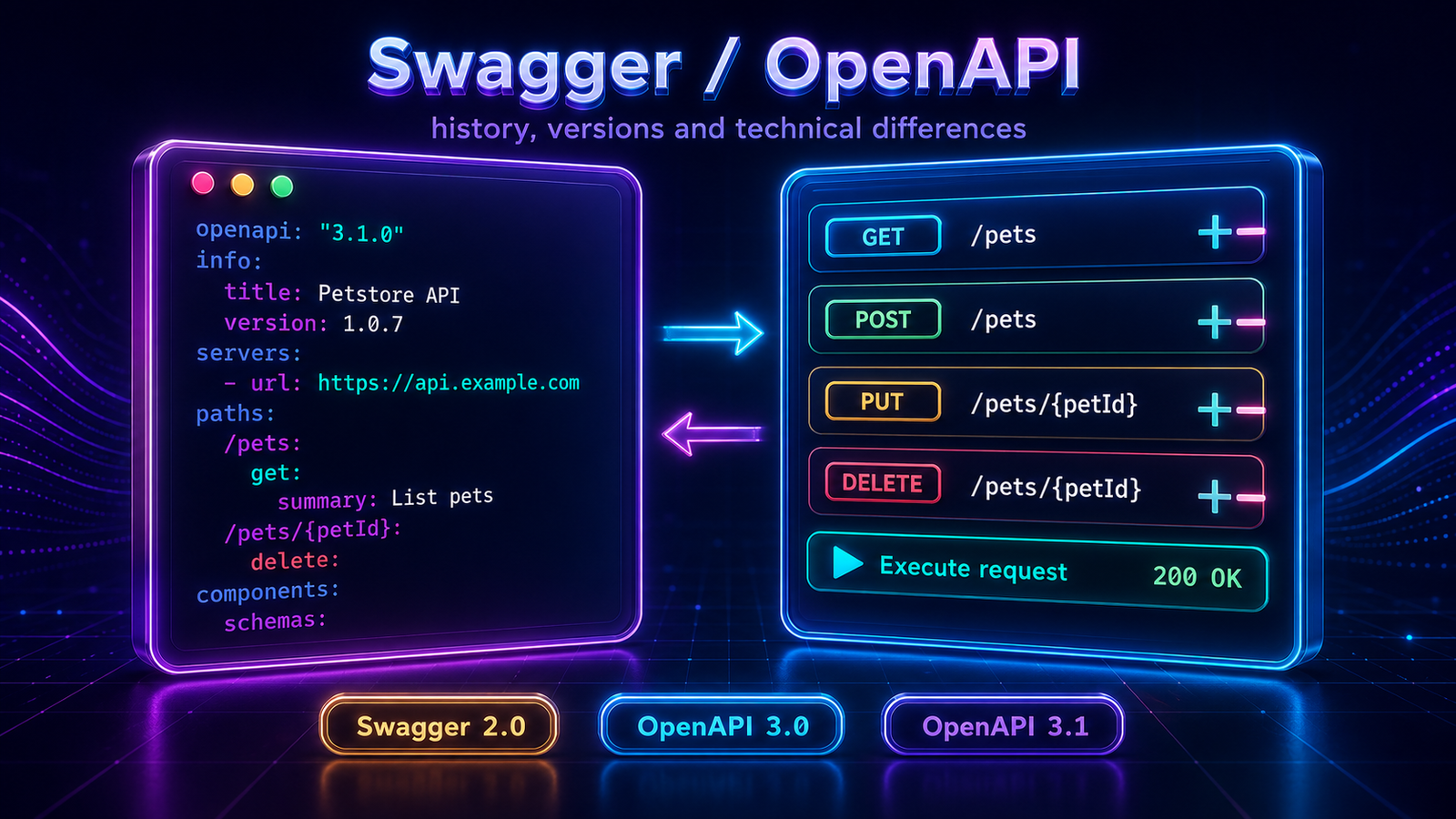 Swagger Viewer & EditorView, edit and test Swagger/OpenAPI specs: convert versions, call endpoints and export standalone HTML docs. Open tool
  JSON & YAML ComparatorCompare fields of two JSON or YAML files: missing on each side and differing values. Open tool
  UUID GeneratorGenerate v4, v7 and v1 UUIDs with formatting options. Open tool
  Unix TimestampConvert dates and times to Unix timestamps. Open tool
  IPv4 CIDR CalculatorCalculate subnet ranges, masks, network, broadcast and usable addresses. Open tool
  JWT ManipulatorInspect header, payload and signature of JWT tokens. Open tool
  JWE ManipulatorSplit header, encrypted key, IV, ciphertext and tag of JWE tokens. Open tool
  HMAC GeneratorCompute HMAC with SHA-256, SHA-512 and other algorithms. Open tool
  X.509 Certificate ViewerRead information from X.509 digital certificates. Open tool
  X.509 Key & Certificate GeneratorGenerate X.509 and ICP-Brasil e-CNPJ certificates with RSA keys. Open tool
  Database DesignerModel tables, keys, indexes and relationships, then export SQL for MySQL, PostgreSQL, SQLite, SQL Server, MariaDB and Oracle, plus DBML and Mermaid. Open tool
  Certificate & Key ValidatorValidate certificate expiry and match certificates, public and private keys. Supports PEM, CRT, CER, DER, PFX and P12. Open tool
  Certificate Date ChangerChange the Not Before and Not After dates of a PEM, PFX or P12 certificate, keeping the same keys and data. Open tool
  KanbanAppKanban board to organize tasks and projects. Open external tool

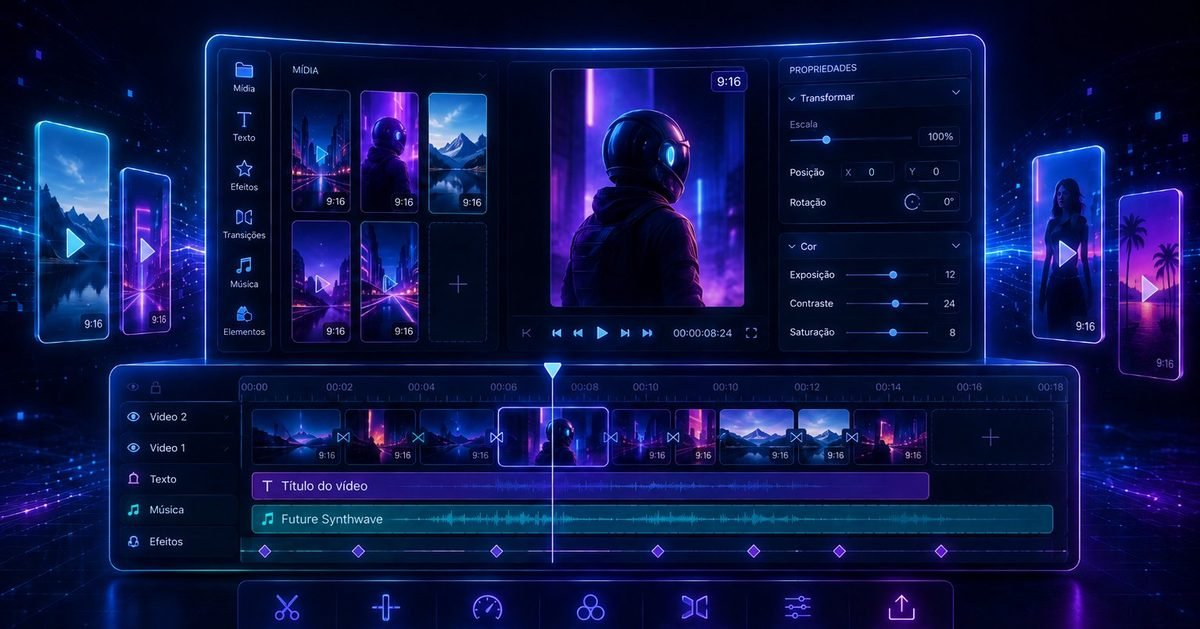 Video EditorCut silence, zoom after long pauses, change the speed, replace or level the sound, add captions and text cards, and export as video or audio. Open tool
  Free Silence CutterRemove silent sections from video and audio directly in your browser. Open tool
  Video & Audio MergerJoin videos, audio and images into one file, in the order you choose, with fades, and download as video or audio. Open tool Background Noise RemoverRemove background noise from video and audio in your browser and keep the voice, with the picture untouched. Open tool Video TranscriptionTranscribe video, audio or a recorded meeting in your browser, correct the captions on screen and export SRT, SBV, WebVTT or plain text. Open tool
  Text Video & Image MakerAnimate text over a photo or colour and export it as a video or a still image, with fades and background sound. Open tool Flowchart EditorDraw flowcharts with shapes, arrows and colours, animate them into a narrated presentation and export PNG, SVG, PDF, GIF, video or interactive HTML. Open tool
 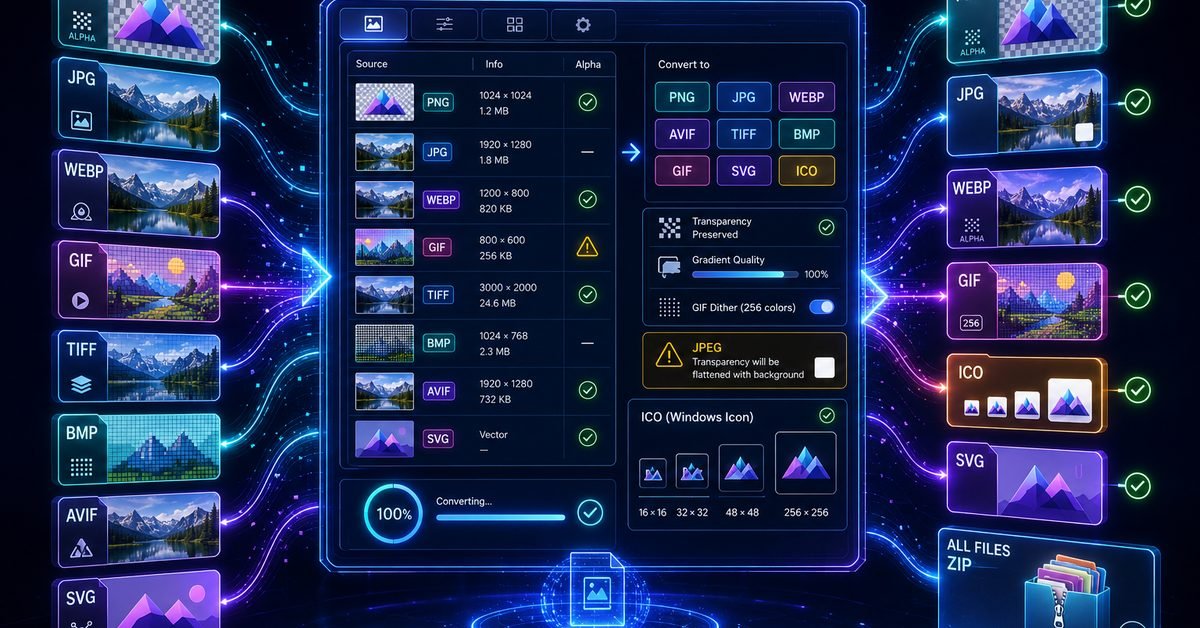 Image ConverterConvert images between PNG, JPEG, GIF, WebP, AVIF, BMP, ICO and TIFF, keeping transparency and gradients. Open tool
  PDF & Image MergerMerge multiple PDFs and images into a single PDF or image file, with reordering. Open tool
  PDF SplitterSplit a PDF into individual pages, download as a ZIP of PDFs or JPGs. Open tool
  PDF CreatorArrange images and create a single PDF in your browser. Open tool PDF to Image ConverterConvert every page of any number of PDFs to PNG or JPG and download them as a ZIP. Open tool
 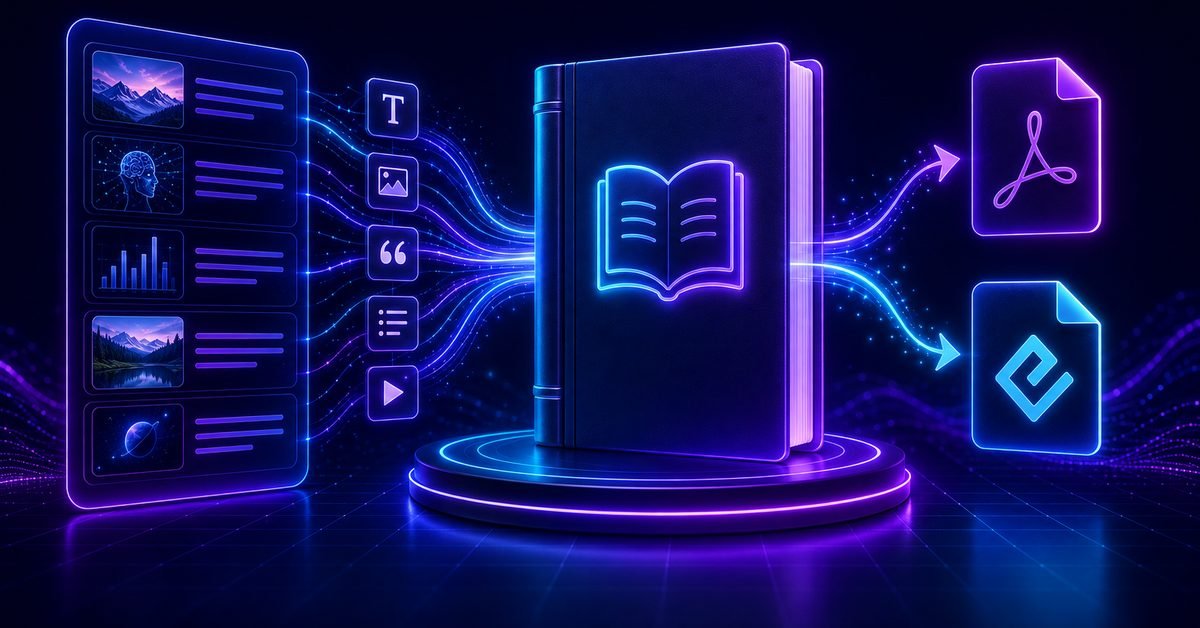 Book BuilderTurn any selection of Learn chapters and Articles into one Kindle EPUB or printable PDF. Open tool OCR ConverterExtract text from images using local OCR with Tesseract.js. Open tool
 Latest articles
190 guides explaining the standards and concepts behind each tool.
 Agilidade e gestão de produtosO Guia do Scrum - edição completaTexto integral da tradução comunitária oficial do Guia do Scrum 2020 em português brasileiro, com atribuição, licença e fontes.Agility and product managementThe Scrum Guide - Complete EditionThe complete text of the official 2020 Scrum Guide in English, including attribution, license details, and source references.Agilidad y gestión de productosLa Guía de Scrum - edición completaTexto íntegro de la traducción comunitaria oficial de la Guía de Scrum 2020 en español latinoamericano, con atribución, licencia y fuentes.
 IA e integraçãoModel Context Protocol (MCP): dos primeiros princípios à produçãoGuia integral de MCP 2026 com arquitetura, primitivas, transportes, servidor Python, clientes reais, OAuth, segurança, observabilidade e produção empresarial.AI and integrationModel Context Protocol (MCP): From First Principles to ProductionThe complete MCP 2026 guide to architecture, primitives, transports, a Python server, real clients, OAuth, security, observability, and enterprise production.IA e integraciónModel Context Protocol (MCP): de los primeros principios a la producciónGuía integral de MCP 2026 con arquitectura, primitivas, transportes, servidor Python, clientes reales, OAuth, seguridad, observabilidad y producción empresarial.Audio and VideoSilence Detection: How Automatic Pause Removal WorksHow a silence cutter measures loudness in dBFS, decides which pauses are removable, and cuts video and audio in the browser without uploading anything.
 Arquitetura de softwarePadrões de Projeto Gang of Four (GoF) em Java: guia completoOs 23 padrões da Gang of Four, exemplos em Java, relações com SOLID, comparações, refatoração de um checkout e quando não usar um padrão.Software architectureGang of Four (GoF) Design Patterns in Java: Complete GuideAll 23 Gang of Four patterns, Java examples, SOLID relationships, comparisons, an e-commerce checkout refactoring and when not to use a pattern.Arquitectura de softwarePatrones de Diseño Gang of Four (GoF) en Java: guía completaLos 23 patrones de la Gang of Four, ejemplos en Java, relaciones con SOLID, comparaciones, refactorización de un checkout y cuándo no usar un patrón.
 Inteligência artificialInteligência Artificial Generativa: guia completoFundamentos, arquiteturas, LLMs, RAG, IA multimodal, agentes, avaliação, segurança, governança, mercado e implementação empresarial.Artificial intelligenceGenerative Artificial Intelligence: Comprehensive GuideFoundations, architectures, LLMs, RAG, multimodal AI, agents, evaluation, security, governance, market, and enterprise implementation.
Certification learning paths
10 study tracks and 565 chapters, with timed practice tests and an explained answer key.
Frequently asked questions
What utily.tools is, how it handles your data and what it costs.
What is utily.tools?
utily.tools is a free collection of online developer tools that run in your browser. It brings together text utilities, encoders and decoders, JSON and YAML tooling, certificate and token inspectors, hash and password generators, PDF utilities and QR code generation in a single place, so you do not need to install anything or jump between sites.
Are the tools really free to use?
Yes. Every tool on utily.tools is free, with no account, no sign-up and no usage limits. There is no paid tier and no trial period.
Do I need to create an account or install anything?
No. You open the tool you need and start using it immediately. utily.tools runs entirely in a modern web browser, on desktop or mobile, with no extension, download or registration required.
Is my data safe? Does anything get uploaded to a server?
The vast majority of the tools process your input locally in the browser, which means the text, files, certificates and tokens you paste never leave your device. The exceptions are the features that need a server by definition, such as the shared text tool that synchronises content between screens. Even so, avoid pasting production secrets or private keys into any online utility, here or elsewhere.
Which tools does utily.tools offer?
The catalogue is grouped into text tools, developer tools, generators and image, graphics and PDF tools. It includes a Base64 converter, URL encoder and decoder, JSON editor, JSON and YAML comparator, JWT and JWE inspectors, X.509 certificate viewer, generator and validator, hash and HMAC generators, UUID and password generators, Unix timestamp converter, IPv4 CIDR calculator, Swagger and OpenAPI editor, text diff, OCR converter, QR code generator and PDF merger, splitter and creator.
Can I use utily.tools offline?
Tools that run fully in the browser keep working while the page stays open, even if the connection drops. However, the site is not installable as an offline application, so the first load and any navigation to another tool require an internet connection.
What is the difference between the Tools and the Learn sections?
The tools solve an immediate task, such as decoding a token or calculating a subnet. The Learn section holds long-form study material on corporate API fundamentals and architecture, published in English, Portuguese and Spanish, while the Articles section explains the standards and concepts behind each individual tool.
Can I use utily.tools for commercial or professional work?
Yes. The tools are intended for everyday professional use by developers, QA engineers, security analysts and infrastructure teams. Bear in mind the usual precaution about sensitive material: use test data when you are inspecting formats and structures.
How can I report a bug or suggest a new tool?
The About page lists the contact details for feedback. Suggestions for new tools, bug reports and corrections to the articles are all welcome, and the catalogue grows regularly based on them.
Pick a tool and get to work
Every utility runs in your browser, ready to use. Prefer to build a deeper foundation first? The Learn section covers networking and API fundamentals step by step.