
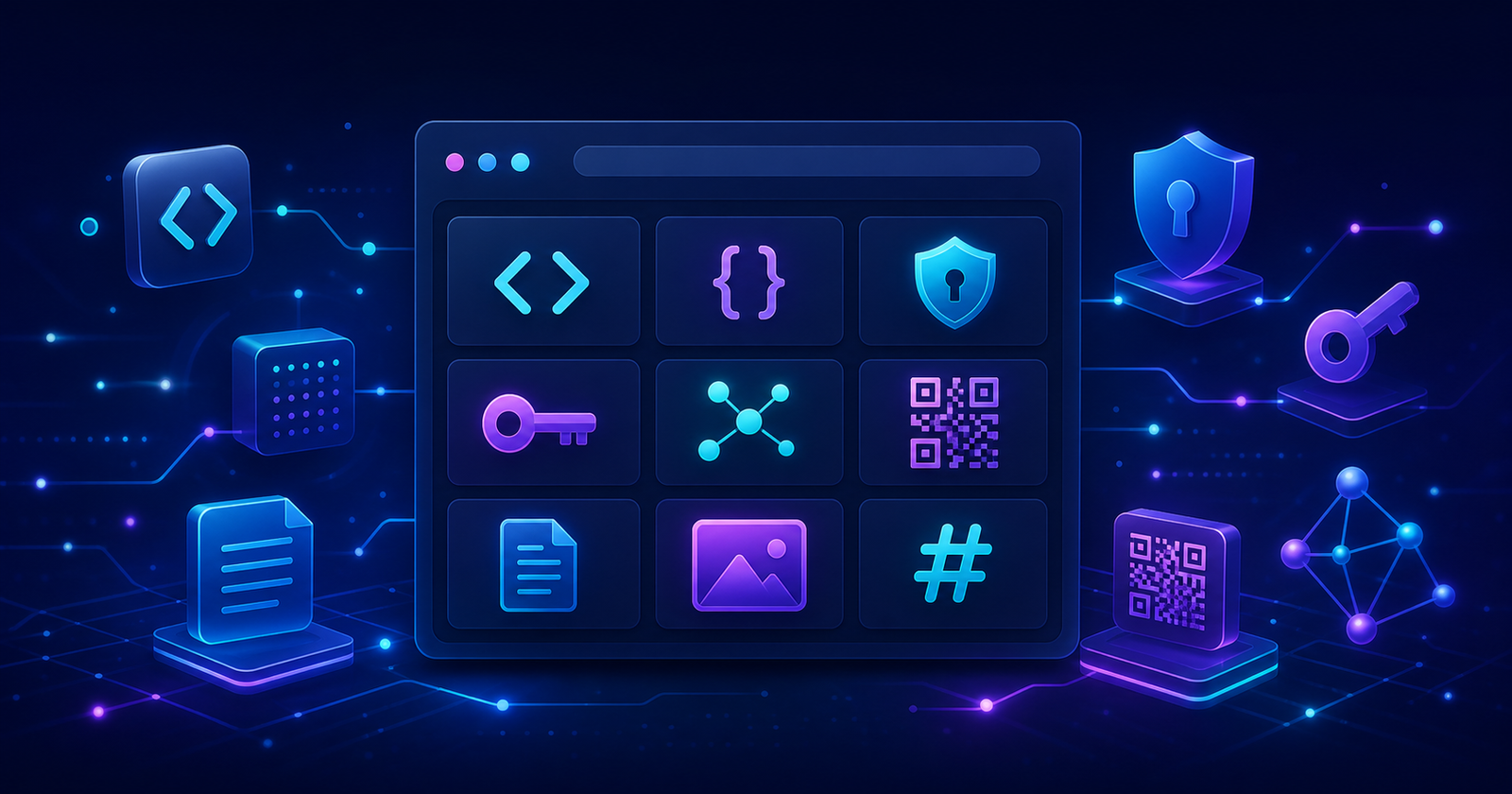
Developers frequently need to encode a value, inspect a token, format a JSON document, generate an identifier or make a quick change to a PDF. Each task is small, but finding a different website or writing a temporary script every time creates friction. utily.tools brings these recurring jobs together in a single, straightforward workspace.
A toolbox for everyday development
utily.tools is an online collection of focused utilities for software developers, testers, support teams and technology professionals. Instead of trying to be a full development environment, each page solves one clearly defined problem and makes the result available immediately.
The available tools cover text transformation, data formats, security tokens, cryptography, certificates, identifiers, images and PDF documents. You can format JSON, compare JSON or YAML structures, inspect JWT and JWE tokens, generate hashes and HMAC signatures, create UUIDs, work with X.509 certificates, extract text with OCR, customize QR codes and process PDF files.
Why use a browser-based utility?
Small technical tasks often interrupt a larger piece of work. A browser utility removes the need to remember a command, install a package or create a disposable program. It is especially useful when checking an API response, preparing test data, investigating an authentication problem or cleaning content before it enters another system.
Because the tools share the same interface, moving from one operation to another is predictable. The homepage groups utilities by purpose and includes a search field, helping you reach the right page quickly.
Privacy by design
Most utily.tools features process their input directly in the browser. Text transformations, token inspection, hashing, identifier generation, certificate operations and PDF manipulation are performed on the device whenever the underlying browser technology allows it. This approach reduces unnecessary transfers and is particularly valuable when working with development data that should not be copied across multiple services.
Even with local processing, sensitive production secrets should always be handled carefully. Private keys, credentials and live customer data deserve the same caution in any diagnostic workflow, including browser tools.
Built for practical use
The project uses Angular and server-side rendering to provide navigable, indexable pages while keeping interactive operations in the browser. The interface is responsive, uses a consistent dark visual system and offers direct controls for copying or downloading results where appropriate.
utily.tools is also open source. Its code can be inspected, improved and extended by the community, and the collection can continue growing as new everyday needs emerge.
How the application is structured technically
utily.tools is built as an Angular standalone-component application. Each utility owns its interface while reusable services isolate operations such as Base64 conversion, JSON handling, OCR, certificates and text manipulation. A central route catalog connects the public URL, search metadata, article and corresponding tool, which keeps navigation and SEO information consistent as the collection grows.
Server-side rendering and prerendering generate meaningful HTML for public routes before browser JavaScript starts. This improves initial navigation and allows search engines and link-preview crawlers to read titles, descriptions, canonical URLs, Open Graph metadata and structured data. Client hydration then attaches Angular's interactive behavior to the server-rendered document instead of replacing the entire page.
Local processing and explicit network boundaries
Browser-local does not mean that every tool has the same execution model. Text, JSON, hashes, identifiers, QR codes, certificates and PDF operations use browser memory and downloaded JavaScript or WebAssembly. OCR uses a locally hosted Tesseract worker and language data. These workflows do not need to upload the selected content to a processing API.
Real-time text sharing is intentionally different: synchronization requires a Socket.IO connection to a server so multiple devices can join the same channel. The interface and documentation therefore need to make that boundary visible. A trustworthy utility should describe whether data stays local, crosses a network, persists, or is copied to the clipboard rather than relying on a single privacy slogan.
What a utility can and cannot guarantee
A formatter can prove that JSON is syntactically parseable but cannot prove that its fields satisfy a business schema. A certificate viewer can decode ASN.1 fields without establishing a trusted certification path. A CPF or CNPJ check digit proves formation, not registration. A JWT decoder exposes claims, while authenticity exists only after cryptographic verification and application-specific claim validation.
These distinctions shape the project: each result should explain its scope, errors should be explicit, and security-sensitive tools should avoid presenting successful parsing as successful validation. The accompanying technical articles document the relevant standards, algorithms, edge cases and operational limitations so the utility is a learning surface as well as a shortcut.
Open-source implementation and verification
The complete implementation is available in the utily.tools source repository. Inspecting source code, dependencies and build configuration is especially valuable for tools that handle tokens, keys or documents. Production builds compile both browser and server bundles and prerender public routes, while strict TypeScript templates catch mismatches between article data and interface components.
Getting started
- Return to the home page and browse the available categories or search for a tool.
- Open the utility that matches your task.
- Enter or select your source data and choose the available options.
- Copy or download the generated result.
Whether you need to decode one Base64 string or inspect a complete certificate, utily.tools is intended to make the small but frequent parts of technical work feel effortless.