Translate user expectations into measurable targets, plan elastic capacity, prevent regressions, observe production behavior, and optimize where evidence shows the greatest value.
Suggested study time: 85 minutes • Intermediate • Complete original rewrite with a concise summary for every topic
By João Ricardo Dutra••Complete original content
1. Treat performance efficiency as an architectural capability
The Performance Efficiency pillar of Azure Well-Architected Framework asks whether a workload can fulfill its purpose within acceptable time limits as demand changes. It must absorb higher load without damaging the experience and release unnecessary CPU, memory, and other capacity when activity falls.
Fixed preprovisioned capacity has two failure modes: saturation can slow or stop the system above its limit, while unused headroom consumes money below it. Performance therefore belongs in design from the beginning and continues as a measured discipline in development and production.
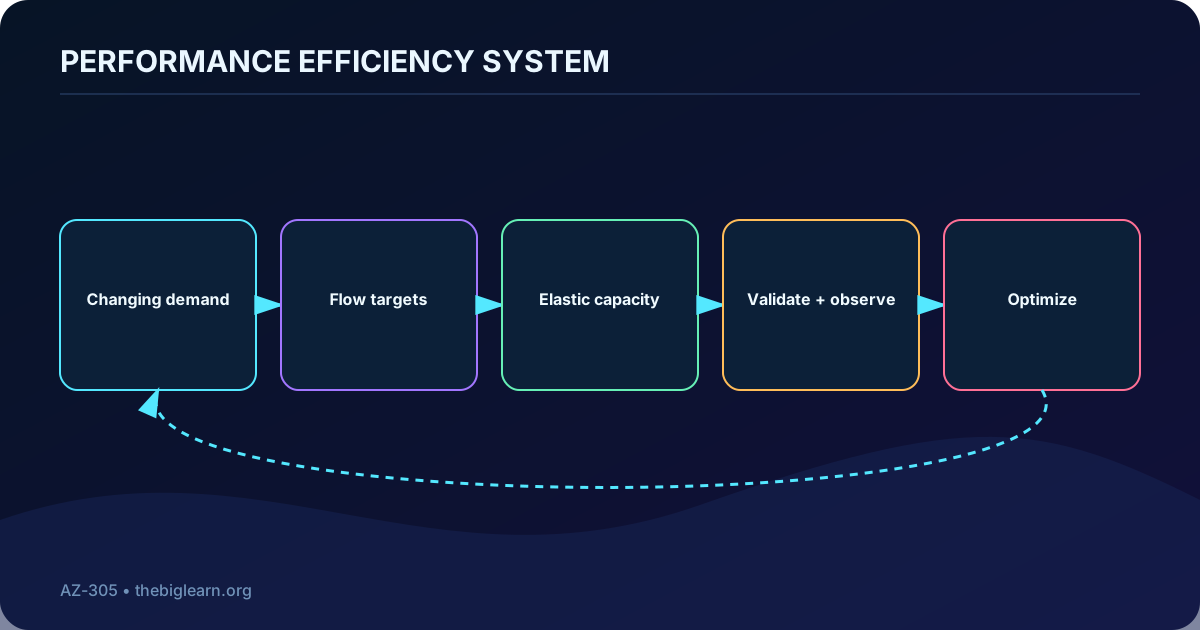
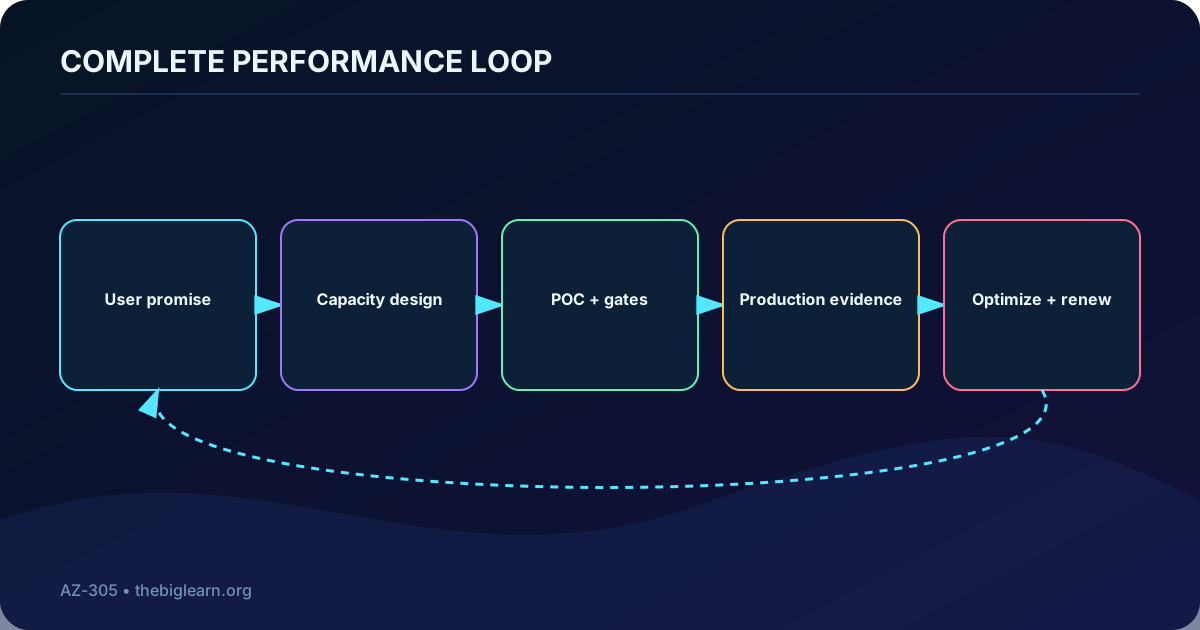
Performance efficiency is a closed loop, not a one-time sizing exercise.
Topic summary
Design for changing demand by connecting user experience, elastic capacity, measurement, and recurring improvement.
2. Organize the four named design principles
Performance Efficiency principles in the supplied module.
Principle
Architectural question
Negotiate realistic performance targets
What user experience and business outcome must each important flow deliver?
Design to meet capacity requirements
Which resources and scaling model can supply the expected and peak demand?
Achieve and sustain performance
How will testing and monitoring prevent performance from drifting as the workload evolves?
Improve efficiency through optimization
Where can evidence-driven changes create more value with the same or fewer resources?
The exported summary calls these “five key principles,” but the provided substantive units and the current framework name the four principles above. This chapter records the discrepancy while covering every supplied unit; it does not invent a missing fifth principle.
Topic summary
Use the four explicitly named principles as a lifecycle from expectations to capacity, protection, and optimization.
3. Turn business promises into measurable targets
Begin with the service quality promised to users, not with a metric for each Azure resource. Business owners and the workload team should agree what is acceptable for key journeys, including quality, applicable regulation, investment limits, growth plans, and the relationship between performance, availability, and resilience.
A vague requirement such as “the site must be fast” cannot drive alerts, tests, or architecture choices. Express targets through measures such as response time, throughput, latency, or completed work, with an ideal range, an acceptable boundary, and a hard limit. Measurements refine the definition, and the definition tells the team what to measure.
Topic summary
Define measurable user-centered thresholds with stakeholders so design, tests, alerts, and tradeoffs share the same meaning.
4. Prepare the negotiation with evidence
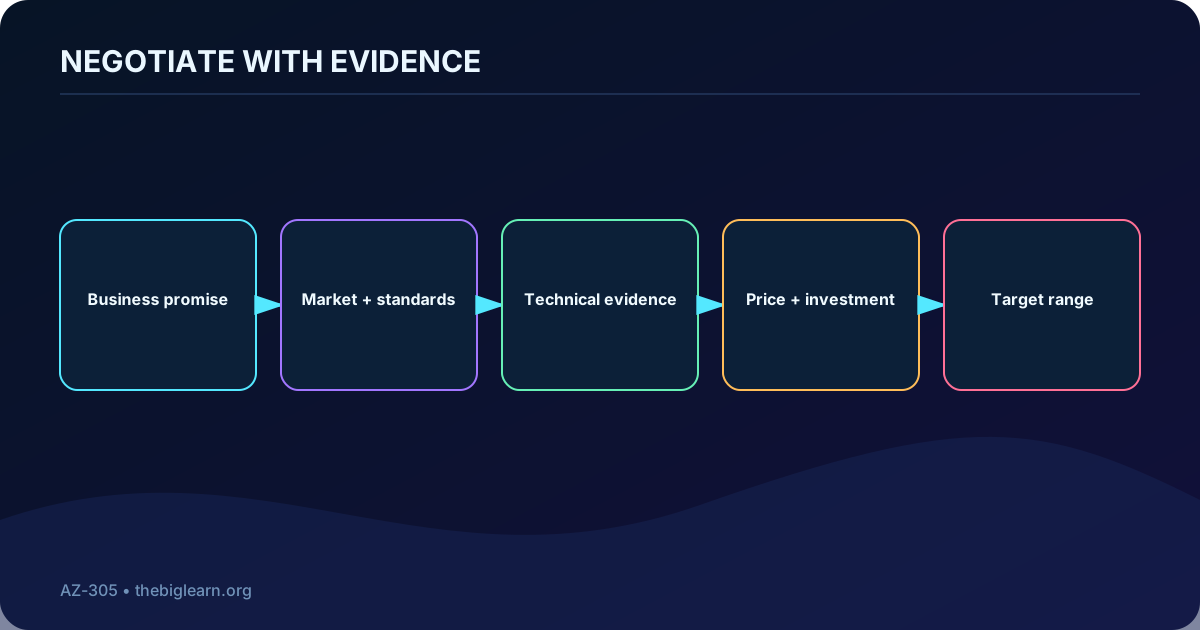
Research technical limits and pricing tiers, run inexpensive experiments, and review historical behavior, usage patterns, and bottlenecks. Add market research, competitive comparison, informal user polling, expert advice, market direction, and industry standards so the conversation reflects both feasibility and customer expectations.
In the Contoso Bicycle scenario, technicians schedule work, manage orders, and take payments in a mobile application while customers book repairs through a website; the website, mobile application, and API are candidates for . Business analysts research expectations while a team new to Azure studies platform scaling and pricing before committing to a proof of concept.
Good negotiation starts with evidence from both business and engineering.
Topic summary
Arrive with operational data, external benchmarks, platform knowledge, and cost information instead of negotiating from assumptions.
5. Negotiate the range and the future, not premature detail
Keep the first agreement broad enough to preserve design options, but precise enough to distinguish aspiration, acceptance, and failure. Discuss investment, functional and nonfunctional requirements, geographic scope, and anticipated growth. This exposes tradeoffs in other Well-Architected pillars and reduces both overengineering and expensive redesign.
Contoso Bicycle agrees on realistic targets and forbidden limits, then learns that launch is restricted to the southwest United States in year one before nationwide expansion in year two. The team can now validate performance and price through early proofs of concept while designing for the planned expansion.
Topic summary
Set realistic ranges and hard limits in business context, and include expected growth so today’s choice supports tomorrow’s workload.
6. Model performance around critical workload flows
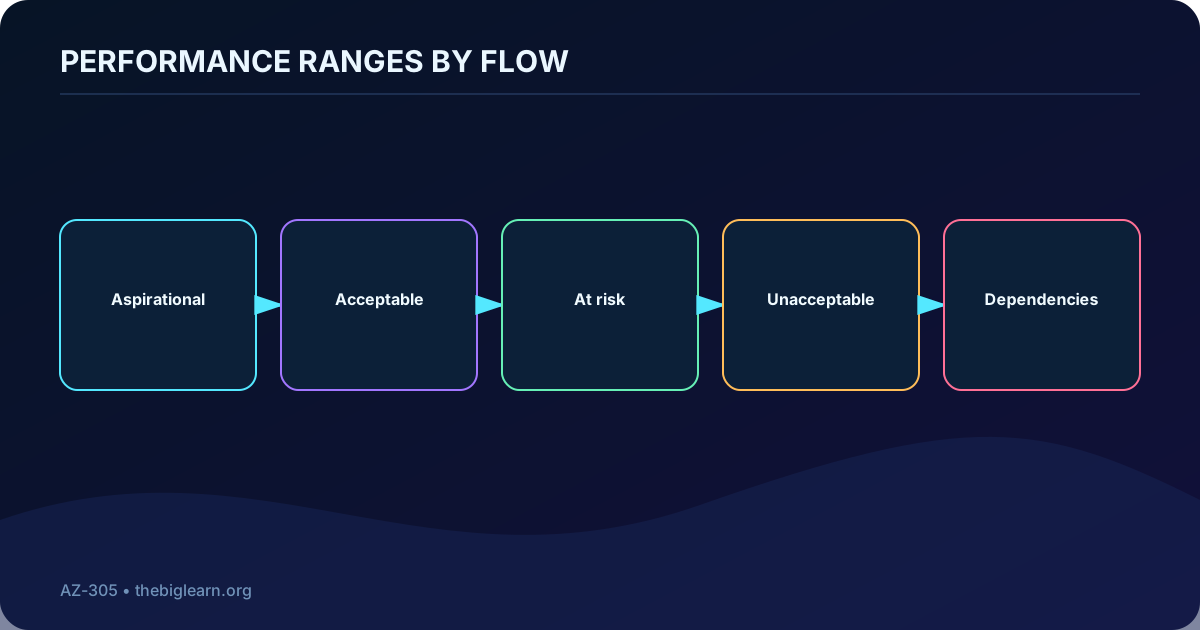
Map every important flow from entry to exit and mark it on the architecture. Rank paths by business impact, frequency, user importance, and architectural complexity. For each one, record the range from aspirational behavior to unacceptable behavior and identify dependencies that can delay the complete journey.
The repair-service locator and payment path deserve different attention from a low-impact administrative flow. Flow-based targets prevent two common mistakes: starving the journeys that determine customer outcomes and overbuilding resources that do not materially affect them. The resulting baseline becomes the starting point for improvement.
Targets belong to end-to-end flows rather than isolated resource counters.
Topic summary
Prioritize end-to-end flows and give each one an explicit performance range, business context, and dependency map.
7. Establish capacity planning early and examine the whole system
Capacity planning begins with a baseline and a preliminary understanding of likely pressure points; it does not require exhaustive tuning. Analyze the workload as a system because optimizing one component too early can create cost, reliability, or complexity tradeoffs elsewhere.
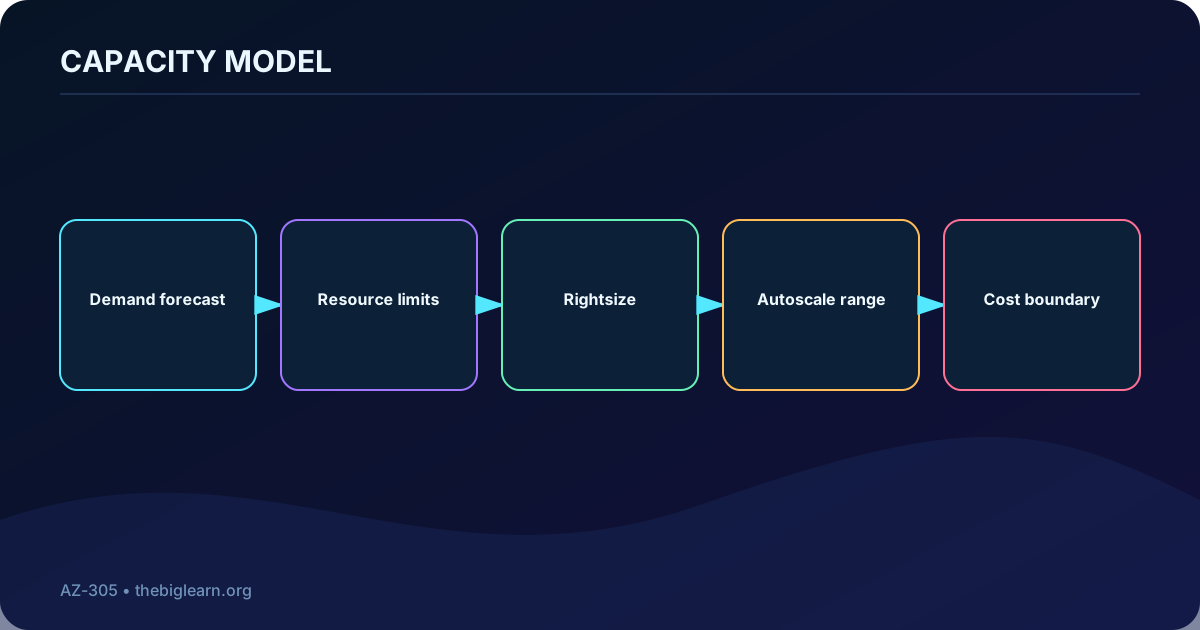
As user acceptance testing and production approach, measurements can narrow the focus to the places that warrant detailed work. Capacity is the supply needed to serve continuous and peak demand, and elastic behavior should be designed for prioritized flows rather than guessed from an individual machine size.
Topic summary
Create a system-level baseline early, defer fine tuning until evidence exists, and plan supply for both steady and peak flow demand.
8. Select and rightsize resources for scalability
Choose compatible resources across the technology stack and evaluate their throughput, limits, built-in scaling, support model, and operational burden. Rightsizing means providing enough capacity for demand variation without defaulting to the cheapest or most expensive tier and without treating public preview as preferable to generally available capability.
The exported manufacturing scenario uses ,,, and . It contrasts a Standard plan supporting up to 500 instances per application with an Enterprise plan supporting up to 1,000, choosing Standard because the larger limit and added features are not needed. These figures describe the supplied scenario, not a current purchase recommendation.
Capacity design balances supply, demand, elasticity, and total value.
Topic summary
Evaluate service capabilities and scaling limits, then choose the smallest supported configuration that satisfies the performance model.
9. Forecast demand and translate it into technical capacity
Combine expected usage with the measured capability of selected resources. Predictive modeling should anticipate scheduled and unscheduled changes, translate flow targets into compute and data requirements, and expose shortages or excessive provisioning before they become production costs or incidents.
Contoso Manufacturing changes products on a rotating production line. Changeovers add analysis and control-algorithm work, so the team isolates the affected flows, estimates traffic from the on-premises application, derives microservice capacity, and schedules scale-out before the switch and scale-in afterward. Production observations will later tune the rules.
Topic summary
Use historical patterns and a performance model to forecast future capacity, including scheduled peaks and uncertain demand.
10. Validate assumptions with a proof of concept
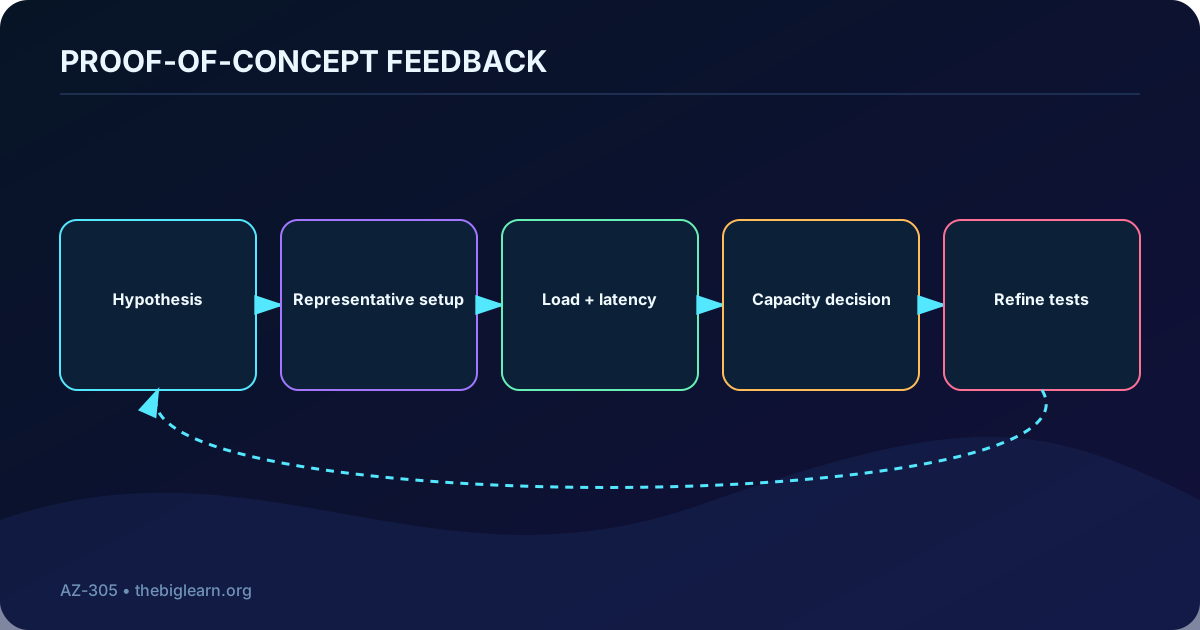
A proof of concept tests whether the proposed architecture can meet the target load and whether the target itself is plausible. It also reveals how capacity and design choices affect cost. Device simulators and load tests are useful, but the experiment must reproduce the dependencies that can change throughput.
For the manufacturing application, on-premises IoT devices reach Azure through and register with . The team suspects location and time-dependent latency can reduce transactions per instance. A test environment pings devices during the day, records response time, and combines those measurements with load results to estimate launch capacity and improve the realism of later tests.
A POC converts design assumptions into measurements before production commitment.
Topic summary
Build a representative POC to validate targets, load, dependencies, capacity, cost, and the assumptions embedded in test cases.
11. Sustain performance throughout the development lifecycle
Features, user profiles, usage patterns, data volume, and improvements in other Well-Architected pillars can all change resource pressure. Revisit the performance model as measured behavior changes and state whether each modification improved, degraded, or did not materially affect a critical flow.
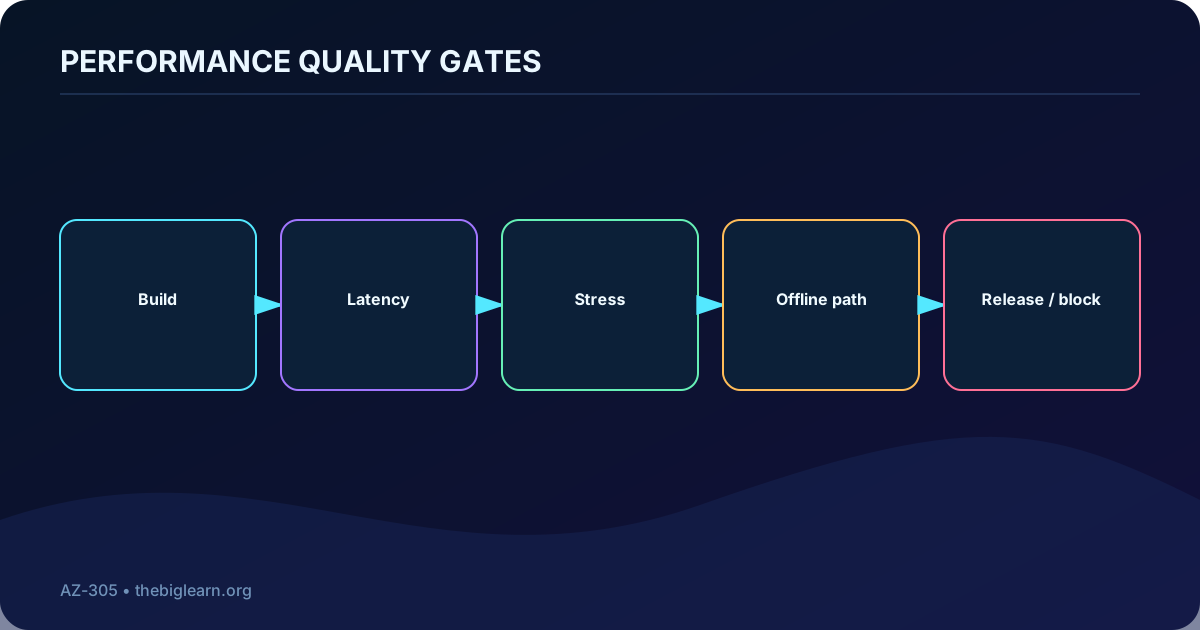
Use lightweight manual checks and POC measurements early, then establish benchmarks and automate latency, stress, load-capacity, and other planned tests during build. Test with simulated load before release and carefully observe real production traffic. If the system or business has changed enough, renegotiate expectations instead of optimizing against an obsolete model.
Topic summary
Treat performance as a lifecycle property, update the model with measured change, and reopen stakeholder expectations when necessary.
12. Make performance a release quality gate
Formal performance gates can approve or block promotion at each deployment stage. They detect regressions while the change set is still small and make release decisions against agreed thresholds rather than intuition.
Contoso Event Solutions scans venue tickets online or offline. A new attendee-photo feature accidentally makes the offline scanner attempt an internet download and wait for a timeout. Automated pipeline tests catch the regression, a strict go/no-go rule blocks the release, and the defect is corrected before customers receive it.
A performance threshold becomes useful when it can stop a harmful release.
Topic summary
Automate representative performance checks and enforce go/no-go thresholds before production promotion.
13. Combine real, synthetic, online, and offline observability
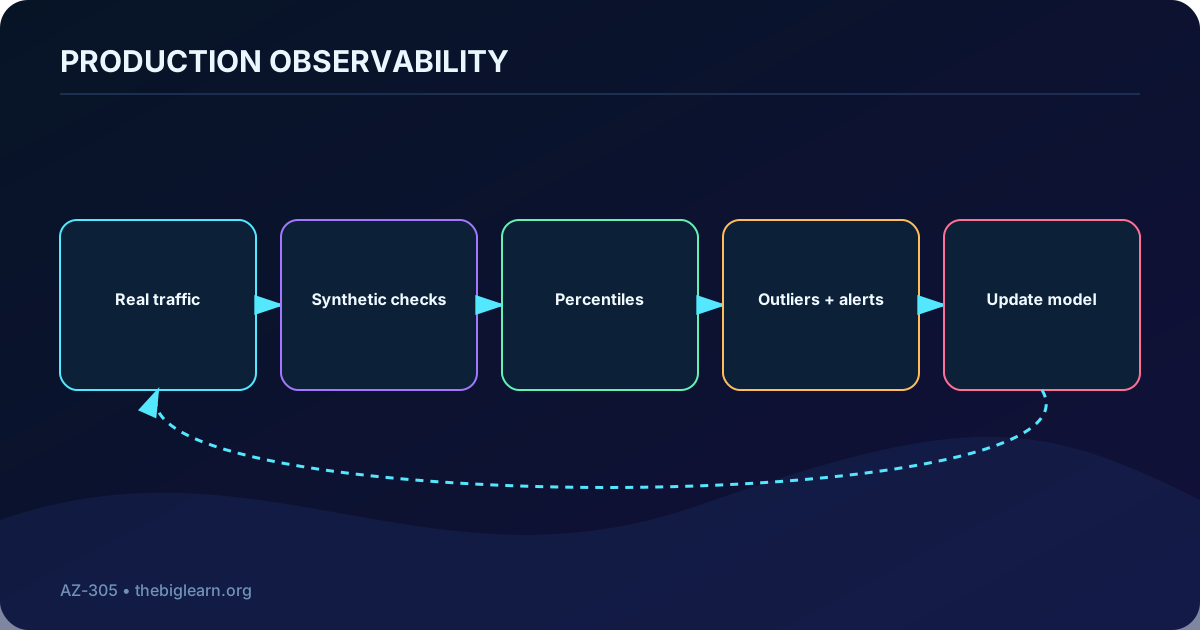
Tests cannot reproduce every production condition. Monitor real transactions to understand actual traffic, and run synthetic transactions to maintain a stable baseline when natural usage is intermittent. Track percentiles and outliers rather than relying only on averages, alert on meaningful drift, and investigate bottlenecks or underused resources.
The ticketing workload monitors busy online validation, uploads offline scan telemetry in batches for later analysis, and runs synthetic transactions during quiet weekdays because most events occur on evenings and weekends. An application performance monitoring system must be used to observe production health, not merely installed.
Production observability explains both normal behavior and the tail of the distribution.
Topic summary
Use real and synthetic transactions, percentiles, outliers, alerts, and delayed offline telemetry to see production behavior accurately.
14. Respond intelligently to growth, features, and accumulated data
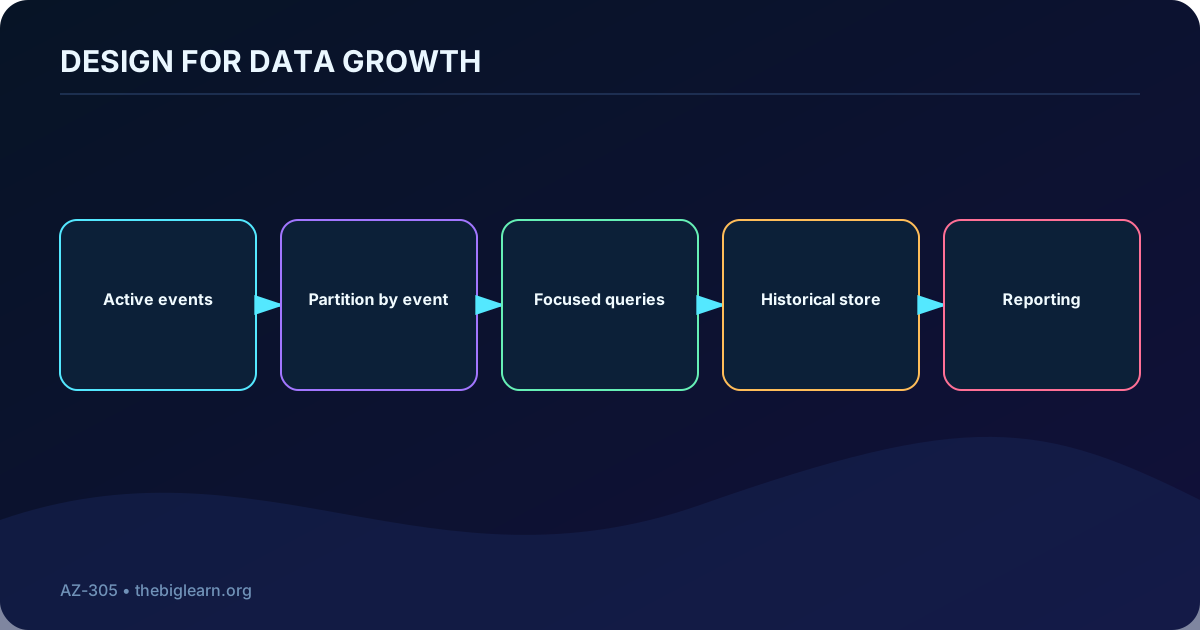
Performance can erode without a new release because customers and stored data keep growing. Query tuning may provide temporary relief, but once a design approaches its practical capacity, the team should revise the architecture or reset targets rather than repeatedly fine-tune the same bottleneck.
As venue adoption grows, ticket searches scan too much data. Contoso plans to partition events so each query examines less, and moves old ticket data to another store for reporting and historical lookup because validation no longer needs it. These changes address increased load while preserving the active path.
Partition and retain data according to the needs of the performance-critical path.
Topic summary
Watch long-term erosion, partition active data, archive history, and redesign when tuning can no longer protect the performance budget.
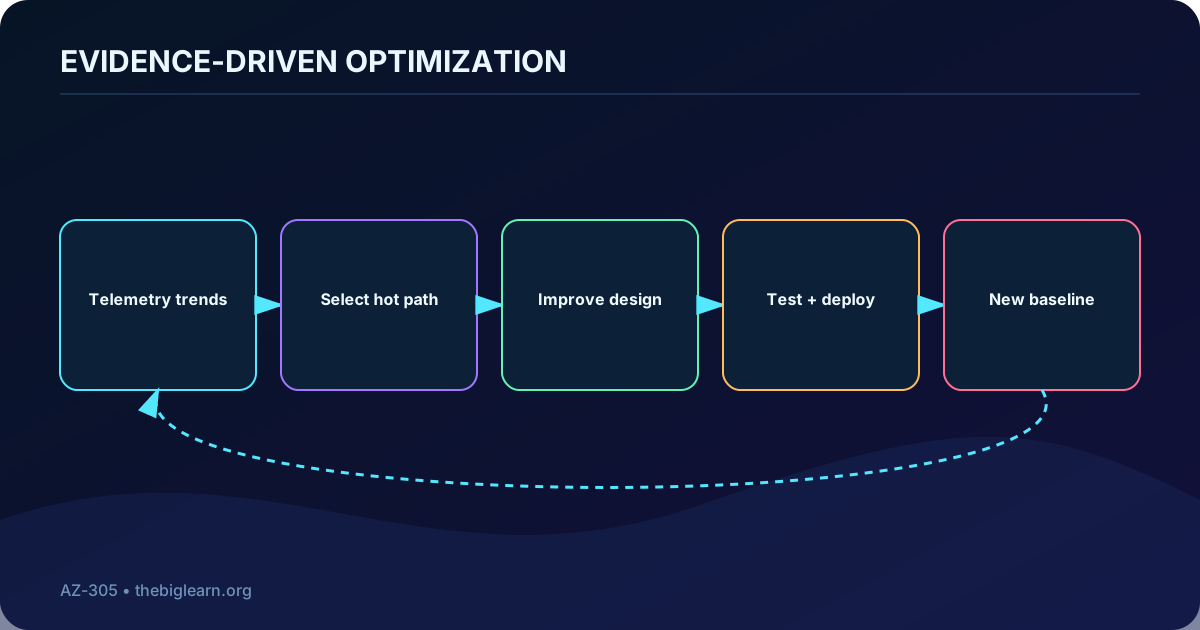
15. Run optimization as a continuous value cycle
Monitoring, optimization, testing, and deployment repeat for the life of the workload. Efficiency improvements can free capacity; the team can reinvest that headroom in reliability, remove it to reduce cost, or use it for new features without additional infrastructure. Improved behavior may justify more ambitious targets.
Optimization should be timed by evidence. Understand how the system is used, how it changed, and what the platform now offers before committing to detailed work. Premature tuning can consume effort in a path that is not critical or conceal a more valuable architectural change.
Optimization creates lasting value only when evidence closes the loop.
Topic summary
Use a recurring evidence-driven cycle and decide explicitly whether freed capacity improves reliability, cost, or product capability.
16. Reserve capacity in the team for performance work
Performance work competes with functional delivery unless it is planned. Reserve recurring time for nonfunctional requirements and improvements in resource consumption, code quality, retention, and database queries. This makes the team accountable for trends rather than waiting for executive complaints or critical incidents.
Contoso HR integrations previously moved from code to deployment and immediately to the next backlog item, even though delayed payroll and statutory reporting repeatedly triggered urgent support. The team dedicates 20% of each sprint to technical debt and performance, creating enough focus to fix the data-processing problems. The percentage belongs to the fictional example, not a universal rule.
Topic summary
Make performance improvement visible recurring work, focused on the technical and data issues with the greatest business impact.
17. Improve the design, not only the code
Optimization may require a different pattern or component. Caching can avoid repeated work, a content delivery network can place content closer to users, and parallel orchestration can shorten independent tasks. Evaluate the resulting complexity, consistency, security, reliability, and cost tradeoffs rather than adopting a pattern solely because it is faster.
The HR scenario runs C# on an -enabled Kubernetes cluster. After years of trigger-based flows, the team discovers that Durable Functions can apply fan-out/fan-in to parallelize a payroll task and records the pattern in its design catalog. The lesson is architectural: performance work includes rethinking execution, not just cleaning code or data.
Topic summary
Consider caches, delivery networks, parallelism, and new components when evidence shows that architecture limits performance.
18. Use telemetry, APM, and profilers to find hot paths
Historical trends identify the flows and code paths where improvement matters. Application performance monitoring (APM) and profilers expose operation hot paths, latency contributors, and bottlenecks so the team can allocate scarce optimization time from evidence.
Although every Azure Function in the HR scenario is instrumented with Application Insights, the team initially uses it mainly as a logging sink and for break-fix investigations. It begins using hotspot analysis proactively within the reserved improvement time and finds a risky integration before leadership encounters a delay.
Topic summary
Analyze historical telemetry and execution profiles proactively, then focus optimization on hot paths tied to important flows.
19. Preserve the scenarios and Microsoft product context
Fictional scenarios and the architectural lesson each contributes.
Scenario
Products and context
Primary lesson
Contoso Bicycle
for web, mobile, and API candidates
Negotiate business-backed flow targets before final design.
Contoso Manufacturing
,,,
Right-size capacity, forecast changeovers, and validate latency with a POC.
Contoso Event Solutions
Online and offline ticket validation with APM and batch telemetry
Block regressions, observe production, and partition growing data.
Contoso HR engineering
in C# on -enabled Kubernetes; Durable Functions; Application Insights
Fund recurring optimization, adopt better patterns, and use telemetry to find hot paths.
Product names above preserve the supplied source context. Architecture decisions must still check current availability, limits, support status, regional capability, and price before implementation.
Topic summary
Use each scenario to connect an abstract principle to targets, capacity, testing, data design, or evidence-driven optimization.
20. Account for the retirement
The source scenario legitimately uses and its historical plan limits. Microsoft has since placed all plans in retirement, with retirement scheduled for March 31, 2028, and recommends or as migration destinations. Keep the scenario for its capacity-planning lesson, but do not select the retiring service for a new architecture without current guidance.
This update illustrates the principle itself: technology evolves, so performance models and service choices must be revisited. A replacement evaluation should repeat target mapping, capacity tests, networking measurements, operational analysis, and cost comparison rather than assuming identical behavior.
Topic summary
Separate the enduring capacity-design lesson from an aging product choice and revalidate replacement services with the same evidence.
21. Check understanding with architecture reasoning
The Bicycle team researches Azure to prepare a realistic target negotiation; the target was not already negotiated and production was not ready.
Negotiation includes expected workload growth. Targets are contextualized by workload flows, not by isolated Azure resources.
Scalability features help select suitable resources; predictive modeling forecasts future capacity requirements.
The manufacturing POC tests whether latency to on-premises IoT devices changes compute needs.
Production performance testing is recommended when it is controlled and monitored; both real and synthetic transactions matter.
The ticket database is restructured to handle increased load through partitioning and separation of historical data.
The HR team reserves time in each cycle; new design patterns can improve efficiency; APM is the relevant tool for trends and execution bottlenecks.
Topic summary
Reason from user flows, future demand, representative tests, production evidence, and architectural bottlenecks—not from price or size alone.
22. Apply the complete performance-efficiency loop
Define user-centered performance ranges for critical end-to-end flows and align them with business growth and investment.
Build a performance model, rightsize resources, forecast continuous and peak demand, and design elasticity before saturation.
Validate targets, dependencies, load, cost, and capacity through representative proofs of concept.
Protect performance with lifecycle tests, automated quality gates, real and synthetic production monitoring, percentiles, and alerts.
Address growth through query improvement, partitioning, retention, archiving, and architectural redesign when needed.
Reserve improvement time and use Application Insights, APM, profilers, patterns, caches, delivery networks, and parallelism where evidence supports them.
The complete loop keeps user experience, capacity, and value aligned as the workload changes.
For further practice, review the design principles, checklist, cross-pillar tradeoffs, and supporting cloud patterns. A hands-on lab also requires an appropriate Azure subscription; compare current pay-as-you-go and free-account terms before creating billable resources.
Performance efficiency is sustained alignment: define the experience, supply the capacity, validate it, observe reality, and improve the system continuously.