Azure Relational Database Services and Capabilities
Relational tables, keys, normalization, SQL dialects, DDL, DCL, DML, joins, views, stored procedures, and index performance trade-offs
Suggested study time: 75 minutes • Beginner level • Aligned with the DP-900 study guide and official Microsoft Learn documentation
By João Ricardo Dutra••Complete material
1. Azure relational database services
Azure runs SQL Server, PostgreSQL, and MySQL as cloud services. Managed offerings remove much infrastructure maintenance and include high availability, scaling, monitoring, threat detection, backups, and performance capabilities.
The first decision is whether an existing workload needs operating-system control and maximum compatibility or can benefit from a managed platform.
Topic summary
Azure offers relational services for new cloud applications and migrations, with different balances of control and management.
2. The family
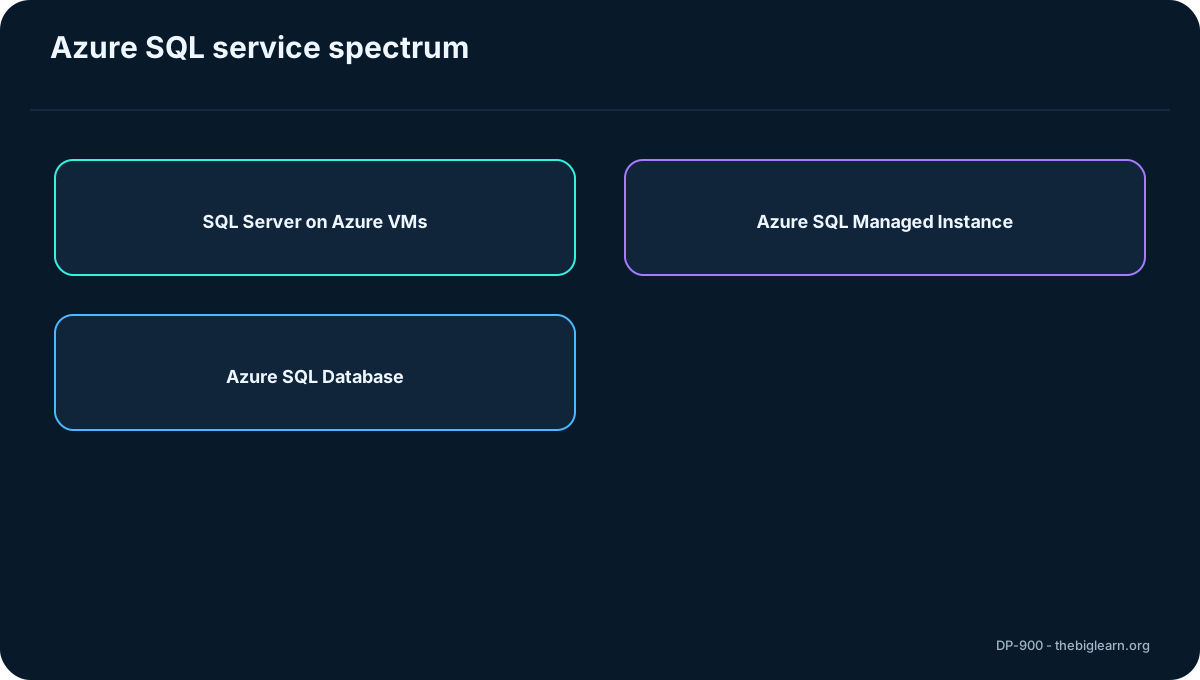
is the collective name for Microsoft SQL Server-based services in Azure: SQL Server on Azure ,, and .
They span IaaS to PaaS. Moving right toward reduces administration and instance compatibility while increasing cloud-native management.
Service
Model
Best fit
SQL Server on Azure
IaaS
Full control and lift-and-shift
PaaS
High compatibility, less administration
PaaS
Cloud-native and scalable
Figure 1 - The family
Topic summary
Choose within by comparing compatibility, control, architecture, availability, and management effort.
3. SQL Server on Azure
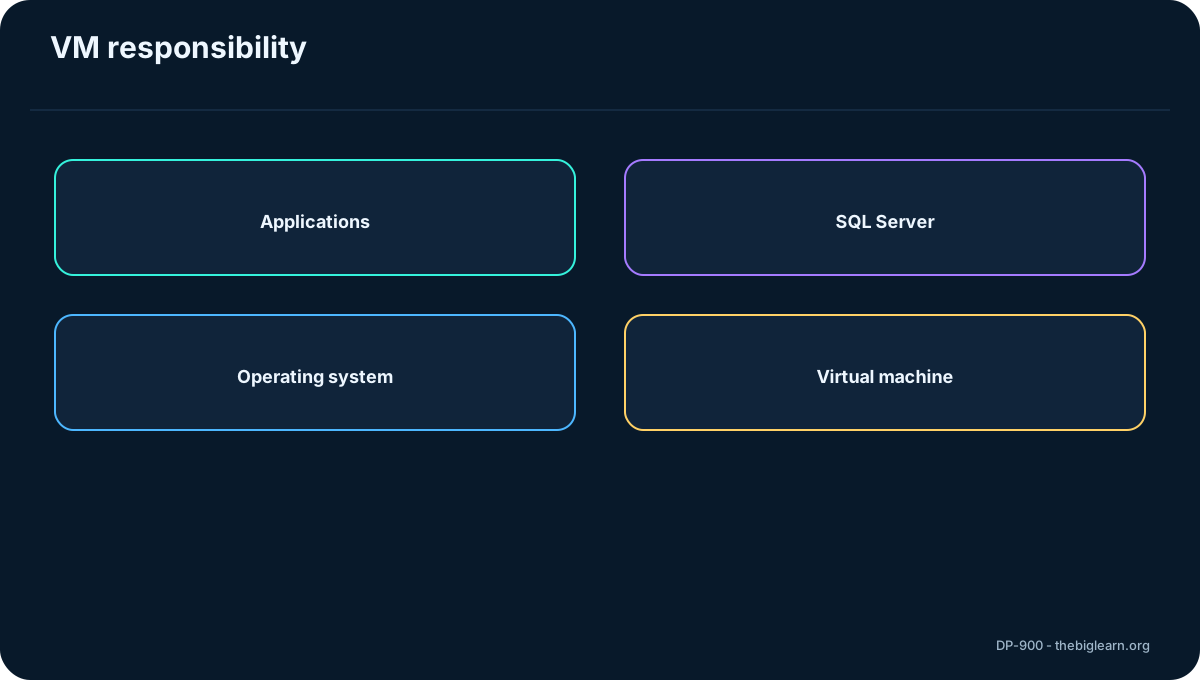
SQL Server on Azure is IaaS: a full SQL Server installation runs on an Azure VM. It preserves operating-system and DBMS access, supports multiple databases, and fits lift-and-shift, development, testing, hybrid extensions, and applications dependent on server features.
The customer still patches and configures the operating system and SQL Server, manages backups, security, and availability, and can resize CPU, memory, and storage. It offers 99.99% availability under the referenced service conditions.
Figure 2 - SQL Server on Azure
Topic summary
Use SQL Server on Azure when full control and near-exact on-premises behavior outweigh administrative effort.
4.
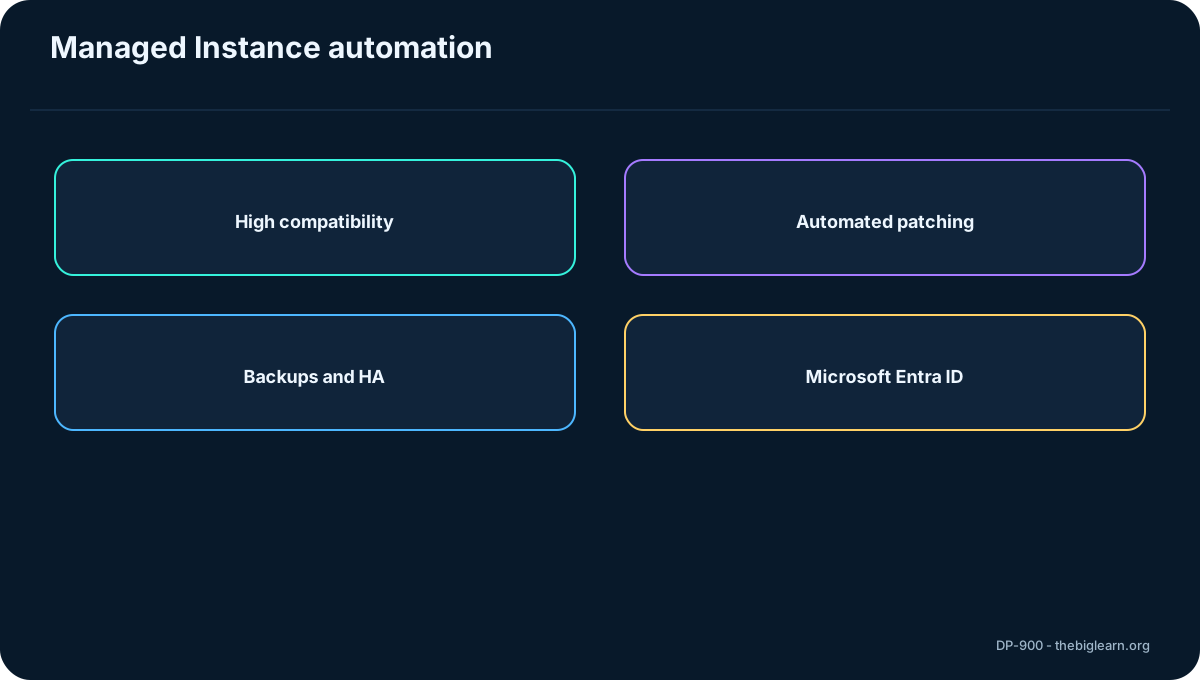
is PaaS with near-100% SQL Server Enterprise compatibility and multiple databases per managed instance. It is designed for migrations needing instance-level features with minimal application changes.
Microsoft automates OS and database software installation, patching, backups, system-database replication, high availability, monitoring, and dynamic resizing. Customers retain control over database security and resource allocation. It supports SQL logins and logins; communications are encrypted and certificate-signed.
Figure 3 -
Topic summary
Managed Instance preserves broad SQL Server compatibility while removing most server maintenance.
5. Migration compatibility and assessment
Managed Instance is a strong lift-and-shift target when linked servers, Service Broker, and other instance dependencies matter. SQL Server on a VM remains appropriate when the workload needs full OS or DBMS administration.
Data Migration Assistant can analyze an on-premises SQL Server database and report compatibility blockers for or .
Topic summary
Assess dependencies before migration; choose a VM for full control and Managed Instance for managed, high-compatibility migration.
6. architecture
is a fully managed PaaS service aimed at cloud applications. A logical server is the central administrative point for databases, logins, firewall and auditing rules, threat-detection policies, and failover groups.
It supports most core database-level SQL Server capabilities but not every instance feature. Microsoft handles updates, backups, recovery, and platform availability, which reaches 99.995% under the referenced conditions.
Figure 4 - architecture
Topic summary
minimizes administration for scalable cloud databases with limited instance-level dependencies.
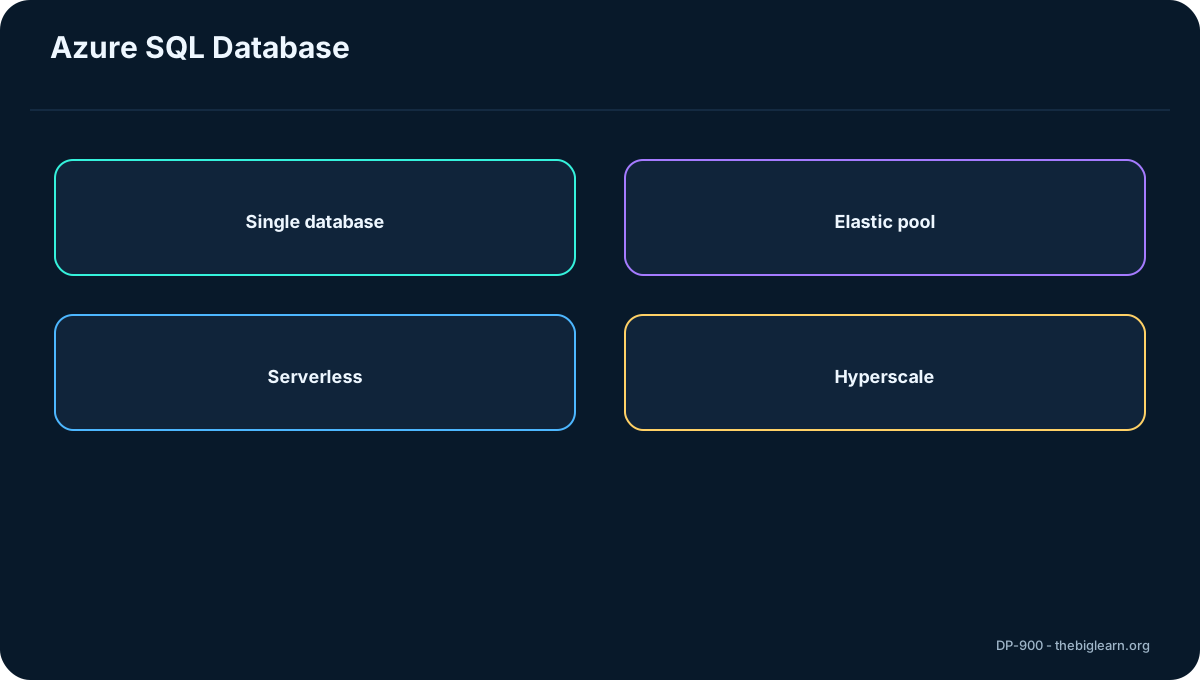
7. Single database and serverless
A single database receives dedicated requested resources and can scale storage, memory, and processing. In provisioned mode, resources are allocated and billed for the chosen capacity.
Serverless automatically allocates and deallocates compute as demand changes while isolating each customer database. It suits variable or intermittent workloads and can reduce cost for new cloud applications.
Topic summary
Use a single database for isolated resources; consider serverless when demand varies and automatic scaling is valuable.
8. Elastic pools and Hyperscale
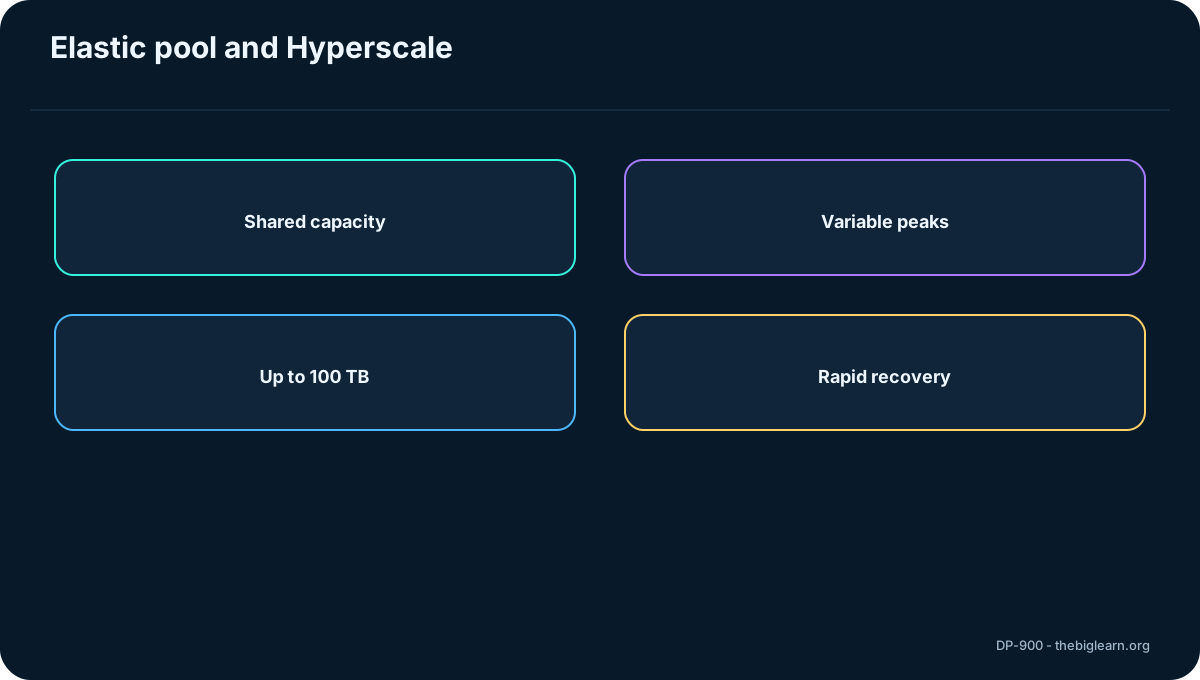
An elastic pool lets multiple databases owned by one customer share memory, storage, and compute. Databases with different peak periods can borrow capacity from the pool and release it later, improving utilization and cost efficiency.
Hyperscale supports very large databases, up to 100 TB in the referenced material, with rapid on-demand scale and fast backup and restore independent of data size.
Figure 5 - Elastic pools and Hyperscale
Topic summary
Elastic pools share resources across variable databases; Hyperscale targets very large, rapidly growing databases.
9. Availability, recovery, and scaling
automatically patches the engine, scales resources without manual hardware upgrades, supports point-in-time restore, and can replicate databases across regions for resilience and disaster recovery.
These capabilities suit modern applications, highly available systems, and workloads whose demand changes quickly. A free offer can support initial experimentation.
Topic summary
Managed availability, restore, replication, and scaling are central benefits of .
10. Security, auditing, and AI assistance
Advanced threat protection includes vulnerability assessment, anomaly monitoring, and alerts for suspicious access and SQL injection patterns. Auditing records database events in Azure to support compliance and investigations.
Encryption protects data at rest and in motion. AI assistance can suggest query optimizations and help troubleshoot performance using natural language.
Topic summary
combines encryption, auditing, threat protection, and AI-assisted performance guidance.
11. MySQL and PostgreSQL foundations
MySQL is a widely used open-source relational system, historically central to LAMP web applications, with Community, Standard, and Enterprise editions. PostgreSQL is an extensible object-relational database supporting custom types, code modules, geometric data, and procedural SQL.
Azure managed services help organizations move existing MySQL and PostgreSQL applications without extensive rewrites.
Figure 6 - MySQL and PostgreSQL foundations
Topic summary
MySQL emphasizes broad web adoption; PostgreSQL adds object-relational extensibility and rich data types.
12.
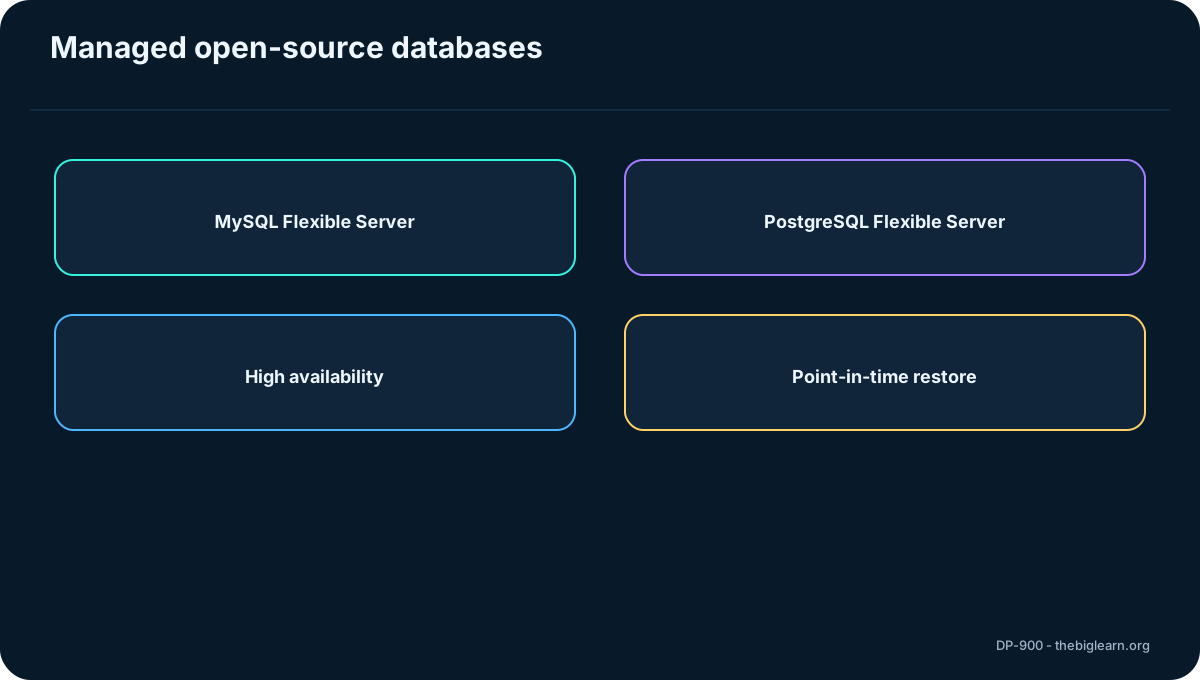
is a PaaS service based on MySQL Community Edition. It provides built-in high availability, predictable performance, scaling, firewall rules, optional SSL enforcement, monitoring, metrics, logs, automatic backups, and point-in-time restore for up to 35 days, with seven days by default.
Flexible Server is the recommended fully managed deployment for new workloads, offering granular configuration and cost controls. Azure manages restricted security and administration operations.
Topic summary
provides managed availability, protection, scaling, monitoring, and recoverability.
13.
is managed PaaS with availability, failure detection, failover, scaling, security, and administrative benefits. Flexible Server adds configuration and cost optimization controls.
Customers can use pgAdmin, but Microsoft controls server-level backup and restore. Common extensions are supported, while OS interaction and some specialized extensions are unavailable. Query Store data is recorded in azure_sys and exposed through query_store.qs_view for tuning.
Topic summary
preserves familiar tooling while Microsoft manages server operations.
14. Exercise and provisioning workflow
The exercise requires an Azure subscription with administrative access and guides the learner through provisioning and exploring . A practical workflow selects service, subscription, resource group, region, compute model, networking, authentication, and security settings, then validates connectivity and cleanup.
Provisioning is not only creation: cost, firewall access, credentials, monitoring, and resource removal must be planned.
Topic summary
Provision relational services by matching requirements, configuring secure access, validating operation, and cleaning up resources.
15. Assessment reasoning and recap
The nine scenarios distinguish service boundaries. plus instance compatibility points to Managed Instance; automated updates and backups for a new app point to ; shared variable demand points to an elastic pool; hybrid full control and complex administrative rights point to SQL Server on Azure .
Linked servers and Service Broker favor Managed Instance; avoiding update and backup overhead can favor Managed Instance during migration; a new variable-load app with cost sensitivity favors serverless.
Topic summary
Identify control, compatibility, management, sharing, and scaling requirements before choosing an Azure relational service.