Batch and Stream Processing with Fabric Real-Time Intelligence and Spark
Batch, streaming, lambda and kappa patterns, temporal windows, event sources and sinks, Real-Time Intelligence, Structured Streaming, and Delta Lake
Suggested study time: 90 minutes • Beginner level • Aligned with the DP-900 study guide and official Microsoft Learn documentation
By João Ricardo Dutra••Complete material
1. Why real-time processing matters
Smart devices, connected applications, and broad Internet access continuously generate events. Many events retain their greatest value only for a short time: a system may need to expose an emerging trend, recommend an action, or react immediately rather than wait for the next scheduled job.
Real-time normally means that processing starts as events arrive; near real-time accepts a small delay. This chapter is a conceptual guide to the patterns and Azure services involved, not a detailed implementation manual.
Topic summary
Streaming turns continually arriving events into timely insight or action, while near-real-time solutions tolerate a small processing delay.
2. processing
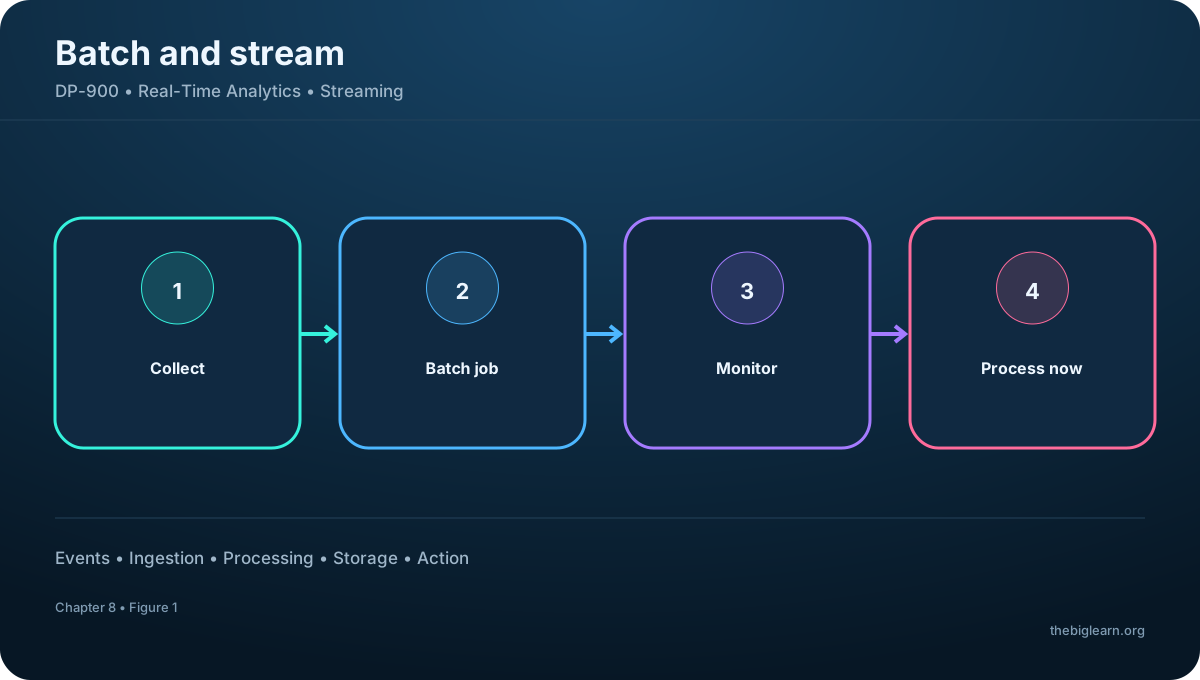
processing collects and stores many records, then processes the complete group in one operation. A batch may start on a schedule, after enough data accumulates, or when another event triggers the job. Monthly credit-card billing is a familiar example: purchases are consolidated before one statement is produced.
jobs handle large volumes efficiently and can run during off-peak periods. The trade-offs are delayed results and a dependency on prepared, validated input. A malformed record, crash, or program failure can interrupt the whole run and require correction before rerunning.
Figure 1 — processing
Topic summary
is efficient for complete, high-volume datasets and complex work that can wait, but results arrive only after the group is ready and processed.
3. Stream processing and time-critical scenarios
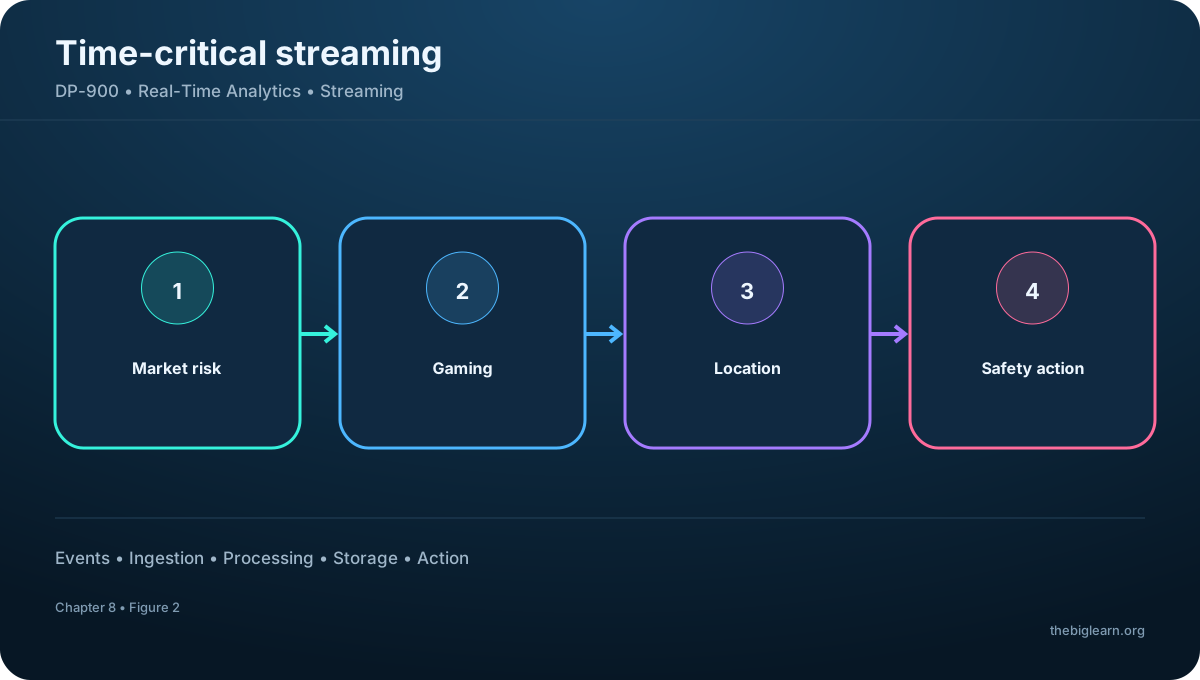
Stream processing monitors a source and handles each event, or a very small micro-batch, as it arrives. Results can be aggregated over rolling or fixed time windows, such as cars per minute, without waiting for an entire day of traffic.
Use cases include market-risk calculations and portfolio reactions, gaming interactions and personalized incentives, property suggestions based on device location, and safety systems that detect smoke or heat and immediately raise alarms and unlock exits.
Figure 2 — Stream processing and time-critical scenarios
Topic summary
Streaming is appropriate when continuously changing data must produce a response in seconds or milliseconds.
4. and streaming compared
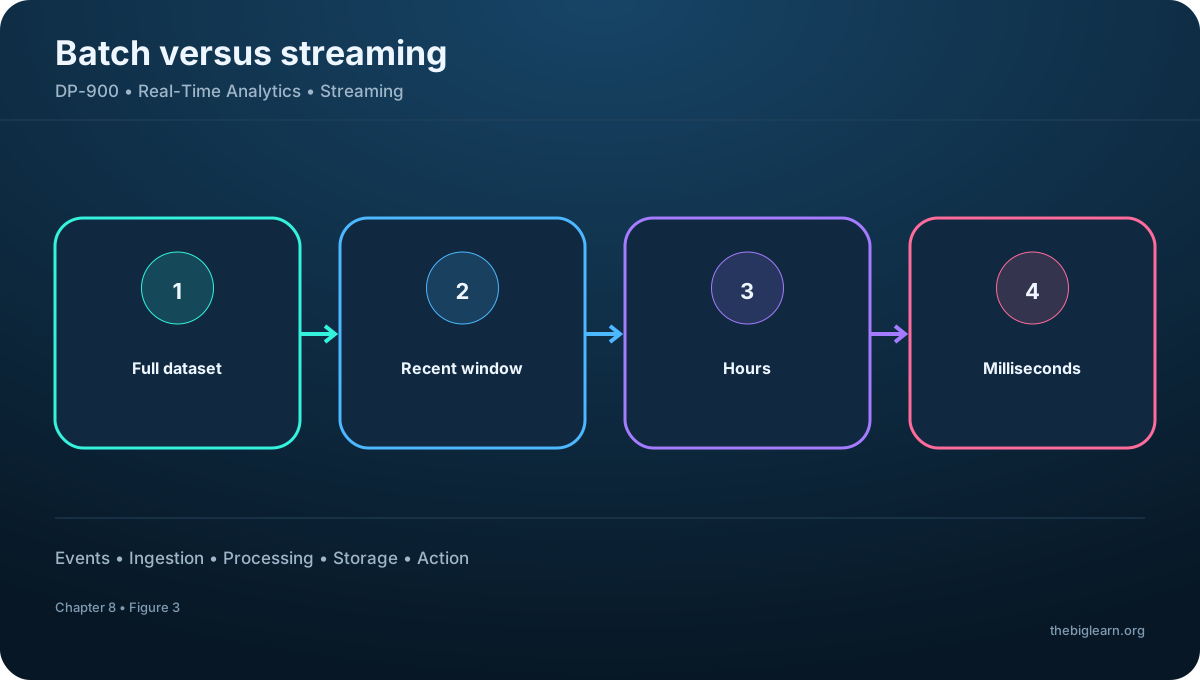
can inspect the full dataset, handles large inputs, and supports complex analytics, but its latency is commonly measured in hours. Streaming generally sees the newest event or a recent window, works on records or micro-batches, and aims for seconds or milliseconds.
Streaming queries often filter, project, count, aggregate, or calculate rolling averages. These characteristics are tendencies, not absolute rules: modern engines can share code and storage across both modes.
and streaming tendencies
Dimension
Streaming
Scope
Complete dataset
Recent event or window
Unit
Large dataset
Record or micro-batch
Latency
Often hours
Seconds or milliseconds
Analysis
Complex historical work
Filters, aggregates, rolling calculations
Figure 3 — and streaming compared
Topic summary
Choose from the required scope, data size, latency, and analytical complexity rather than treating batch and streaming as competing brands.
5. Combining historical and live analysis
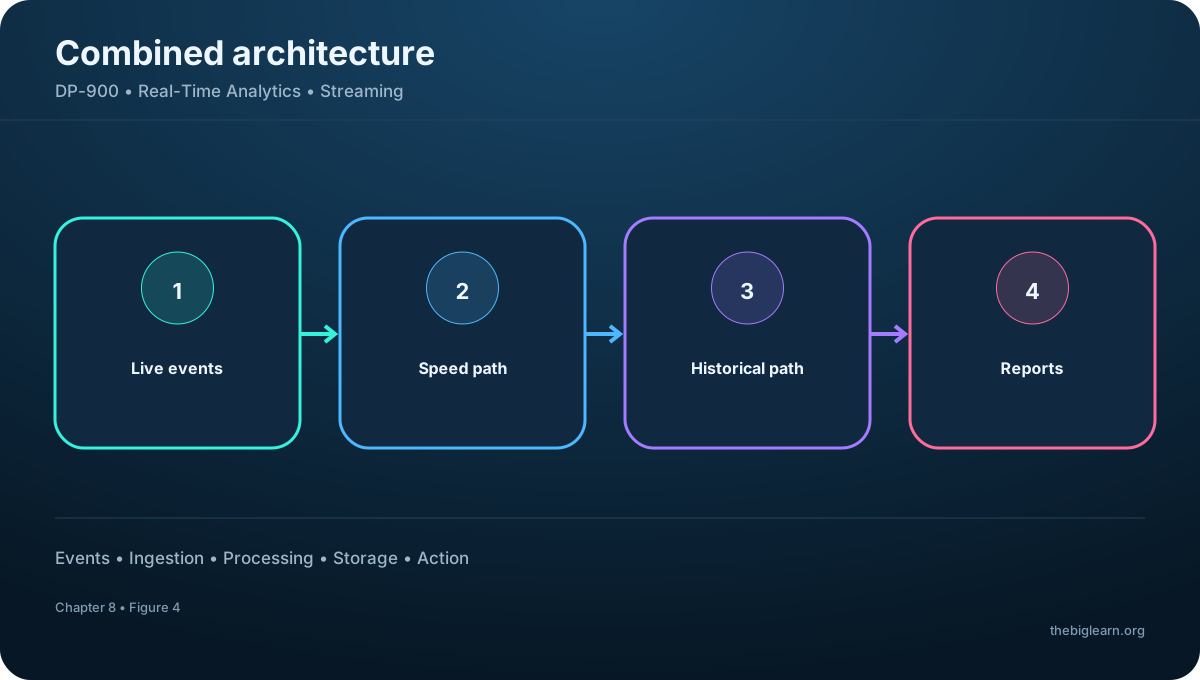
Enterprise solutions frequently use streaming to filter or aggregate live events for a dashboard and also persist results for historical analysis. Even when no live visualization is needed, an event-ingestion layer can capture continuously arriving data and retain it for later batch processing.
In a lambda architecture, a speed path produces current results while a batch path prepares comprehensive historical results; both feed analytical consumption. Captured stream results can also be stored in the analytical warehouse. Delta architectures unify work around reliable lakehouse tables, while kappa removes the separate batch layer and replays the event stream when reprocessing is required. and Apache Kafka make kappa-style designs increasingly practical.
Figure 4 — Combining historical and live analysis
Topic summary
Modern designs often preserve one event for two purposes: immediate analysis and durable historical analysis.
6. The four elements of a streaming architecture
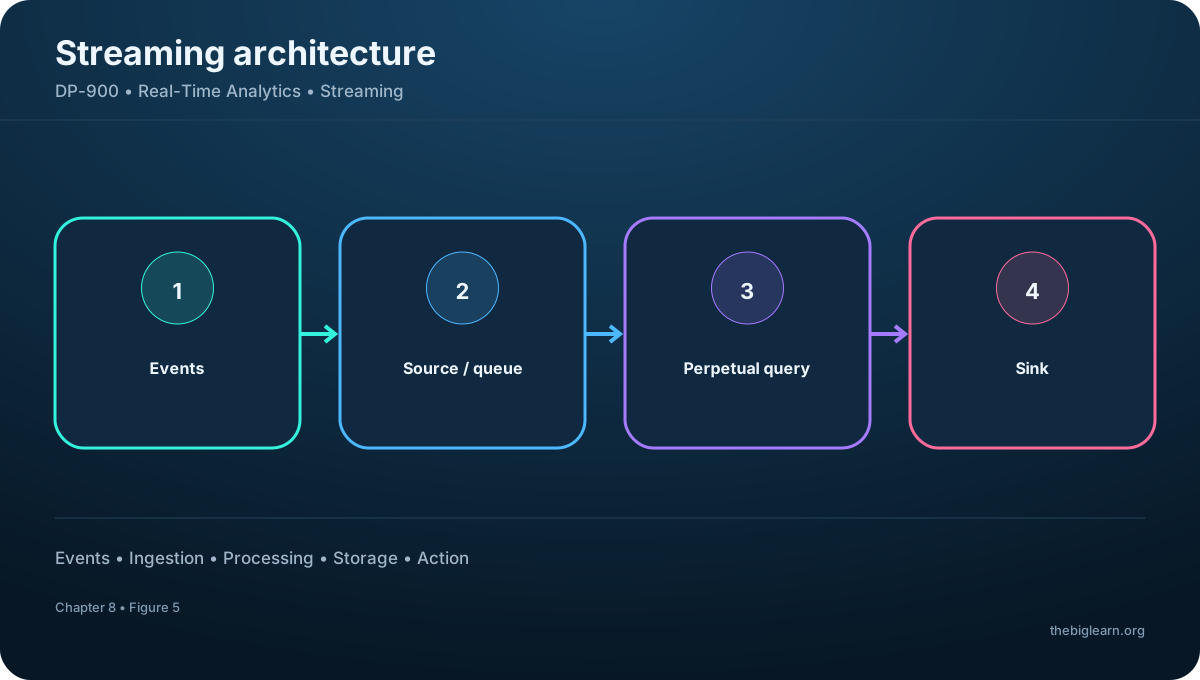
An event first creates digital data: a sensor signal, social post, log entry, transaction, or application message. A streaming source captures it. That source may be a folder or database table, but robust systems often use a queue or event broker to buffer producers from consumers, retain order within partitions, and support delivery guarantees.
A perpetual query continuously selects event types, projects fields, transforms values, or aggregates records. Its output is written to a sink such as a file, table, dashboard, or another queue for a downstream stage.
Figure 5 — The four elements of a streaming architecture
Topic summary
Every streaming solution can be reasoned about as events, a source or broker, continuous processing, and one or more sinks.
7. Perpetual queries, windows, and delivery
A perpetual query remains active as new events arrive. Because the stream has no natural end, calculations such as totals and averages need temporal windows—for example, events per minute or a rolling 30-second average.
Partitions let multiple consumers process data in parallel while preserving order inside each partition. Delivery semantics also matter. The referenced Azure event-ingestion pattern uses at-least-once delivery, so downstream logic may need to tolerate or remove duplicates. Exactly-once outcomes usually require coordination among source, processor, state, and sink.
Topic summary
Windows bound calculations over an endless stream; partitions and delivery guarantees shape ordering, scale, and duplicate handling.
8. Processing services and event sources
Real-Time Intelligence provides an integrated suite for event ingestion, storage, KQL analysis, dashboards, and automated action. Spark Structured Streaming supplies a programmable library on Apache Spark in and . is a managed PaaS engine for standalone or hybrid jobs outside Fabric.
Common sources include Azure for high-volume event ingestion, for managed IoT-device communication, Gen2 for file-arrival patterns, and Apache Kafka as an open-source event platform often paired with Spark.
Representative processing options
Service
Primary role
Fabric Real-Time Intelligence
Integrated event analytics and action
Spark Structured Streaming
Code-first Spark streaming
Managed standalone or hybrid streaming jobs
Topic summary
Select the processing engine from integration scope and coding model, and the source from event volume, device management, ordering, and ecosystem needs.
9. Common streaming sinks
Processed events may be sent to Azure for another downstream consumer. Gen2, OneLake, or can persist results as files for replay and historical work.
,, and can store results in queryable tables. can present live or near-live reports and dashboards. A single query can fan out to more than one sink when operations and history need different shapes.
Topic summary
Sinks support downstream messaging, durable files, analytical tables, or real-time visualization; one pipeline may use several.
10. Real-Time Intelligence
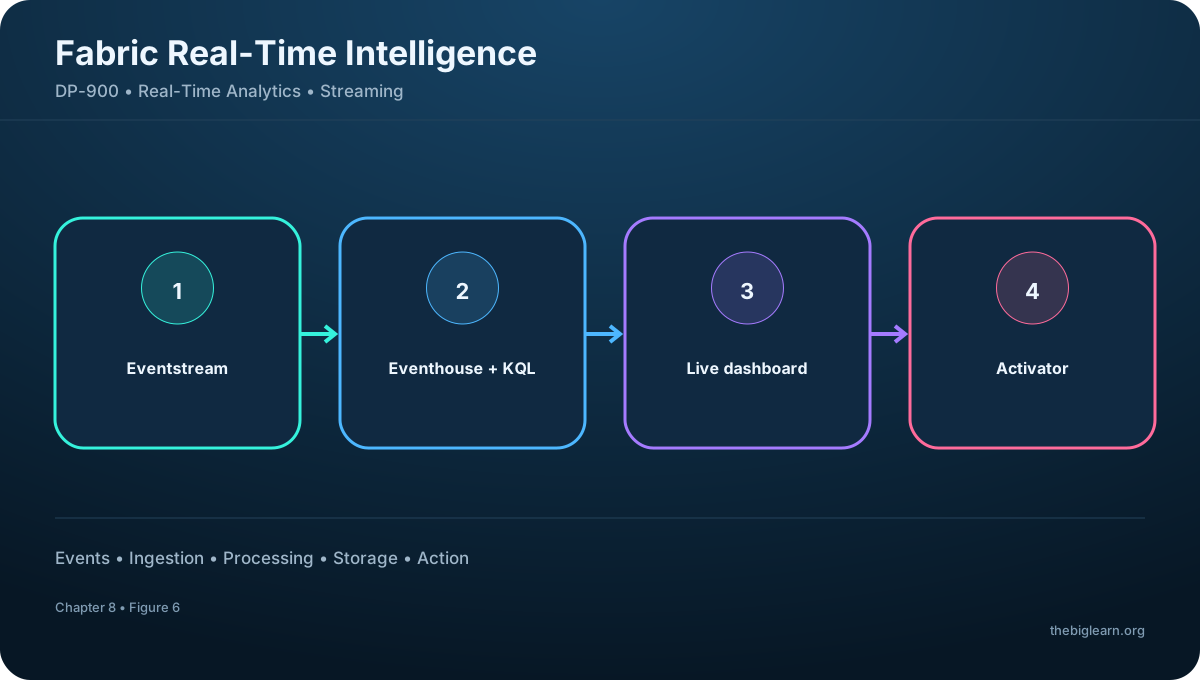
Fabric Real-Time Intelligence covers the path from event arrival to insight and response inside a Fabric workspace. Eventstream ingests, routes, filters, and transforms events. Eventhouse stores time-series, telemetry, and log data in KQL databases optimized for fast exploration with Kusto Query Language.
Real-Time Dashboards visualize changing metrics, while Activator evaluates conditions and triggers alerts or automated actions. Together these components reduce the need to assemble independent ingestion, database, visualization, and response products.
Figure 6 — Real-Time Intelligence
Topic summary
Real-Time Intelligence unifies Eventstream, Eventhouse and KQL, dashboards, and Activator in one event-driven analytics experience.
11. Real-Time hub, Copilot, and action
The Real-Time hub is a centralized catalog of data in motion. Teams can discover, connect, explore, share, and govern streams from organizational and external sources rather than rediscovering each integration separately.
Users can explore patterns, anomalies, and forecasts through KQL, visual tools, natural language, and Copilot. Real-Time Dashboards make the results broadly accessible, and Activator rules convert an insight into an alert or automated response when a condition becomes true.
Topic summary
The hub makes streams discoverable; analytical tools explain them; Activator closes the loop by turning conditions into action.
12. Apache Spark Structured Streaming
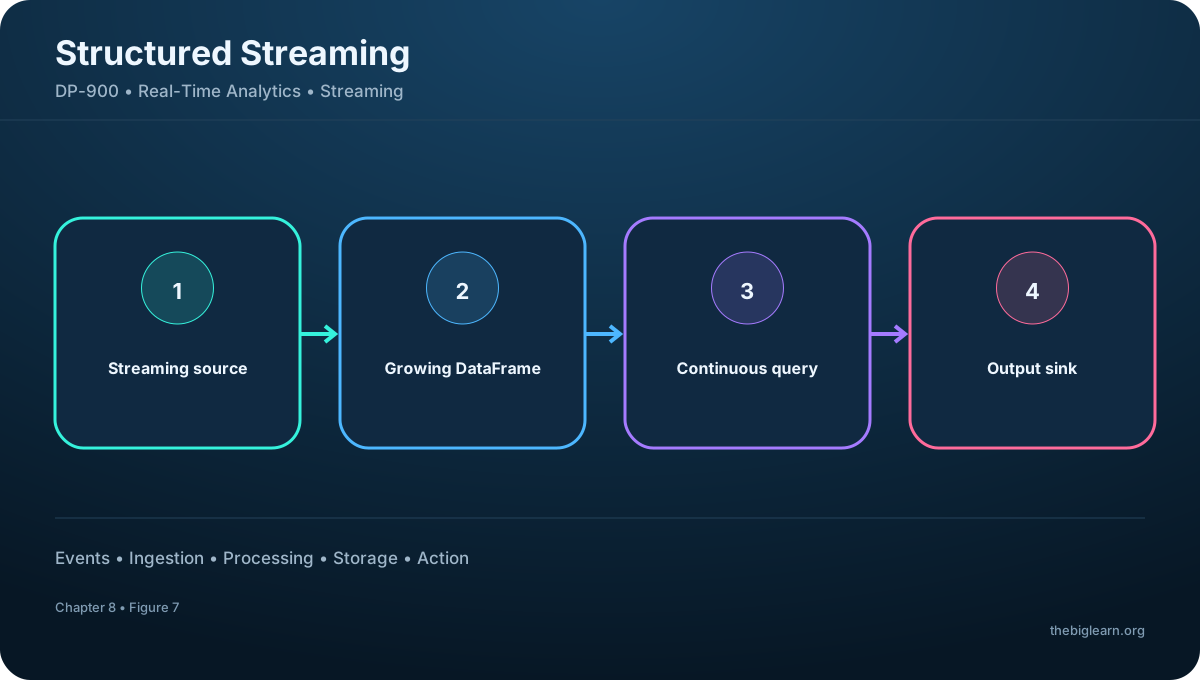
Apache Spark distributes processing across a cluster and supports Python, Scala, Java, and SQL-oriented workflows. Structured Streaming applies the DataFrame model to an unbounded table that grows as events arrive, enabling developers to use familiar transformations for both batch and live data.
The flow is source to continuously populated DataFrame, then query, then sink. A query can count events per minute, calculate a running average, or enrich incoming records. It is a strong fit when a team already uses Spark in or and needs code-first streaming.
Figure 7 — Apache Spark Structured Streaming
Topic summary
Structured Streaming treats an event stream as a continuously growing table and executes DataFrame transformations incrementally.
13. Delta Lake for unified batch and streaming
A basic data lake is a collection of files without built-in transactional guarantees. Delta Lake adds a transaction log, reliable writes, schema enforcement, and version tracking to Parquet-based tables so failed or partial updates do not leave an inconsistent dataset.
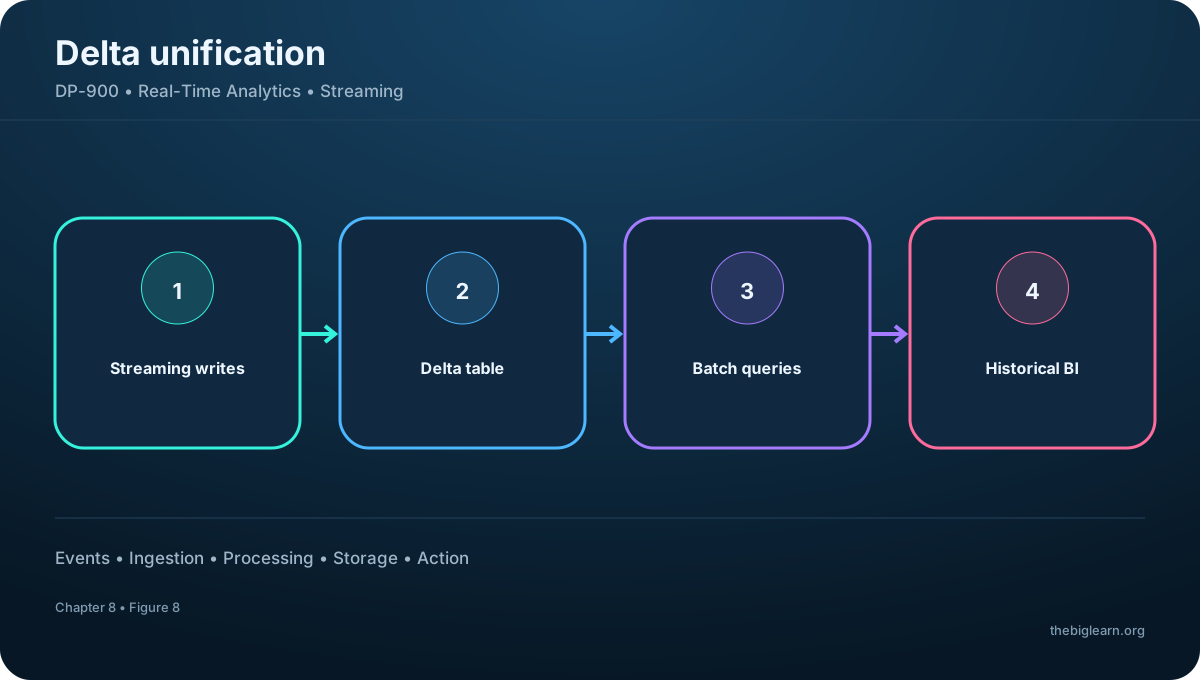
The same Delta table can receive streaming writes and later serve batch queries. Spark runtimes in and include Delta support, making Structured Streaming plus Delta Lake a useful foundation when live ingestion and historical analysis must share one consistent store.
Figure 8 — Delta Lake for unified batch and streaming
Topic summary
Delta Lake provides reliable, governed tables that can act as a streaming sink and a batch source without duplicating storage.
14. Hands-on exercise and assessment reasoning
The guided exercise uses sample data to explore the principal Real-Time Intelligence features. Allow about 15 minutes and use a Fabric account or free trial. Follow the exercise to connect or generate events, inspect them with the real-time experience, visualize the result, and clean up unneeded items or capacity afterward.
For the assessment, stream processing means processing continually as new records arrive. In , the Real-Time hub—not notebooks or OneLake shortcuts—is the central place for discovering and managing streaming data.
Topic summary
For DP-900, identify whether the scenario requires batch or live processing, then map source, perpetual query, window, sink, and platform component.