
Introduction
Receipts, whiteboard photos, scanned forms and design exports frequently need to become one portable document. PDF provides consistent pagination and is easier to archive or share than a folder of separate images.
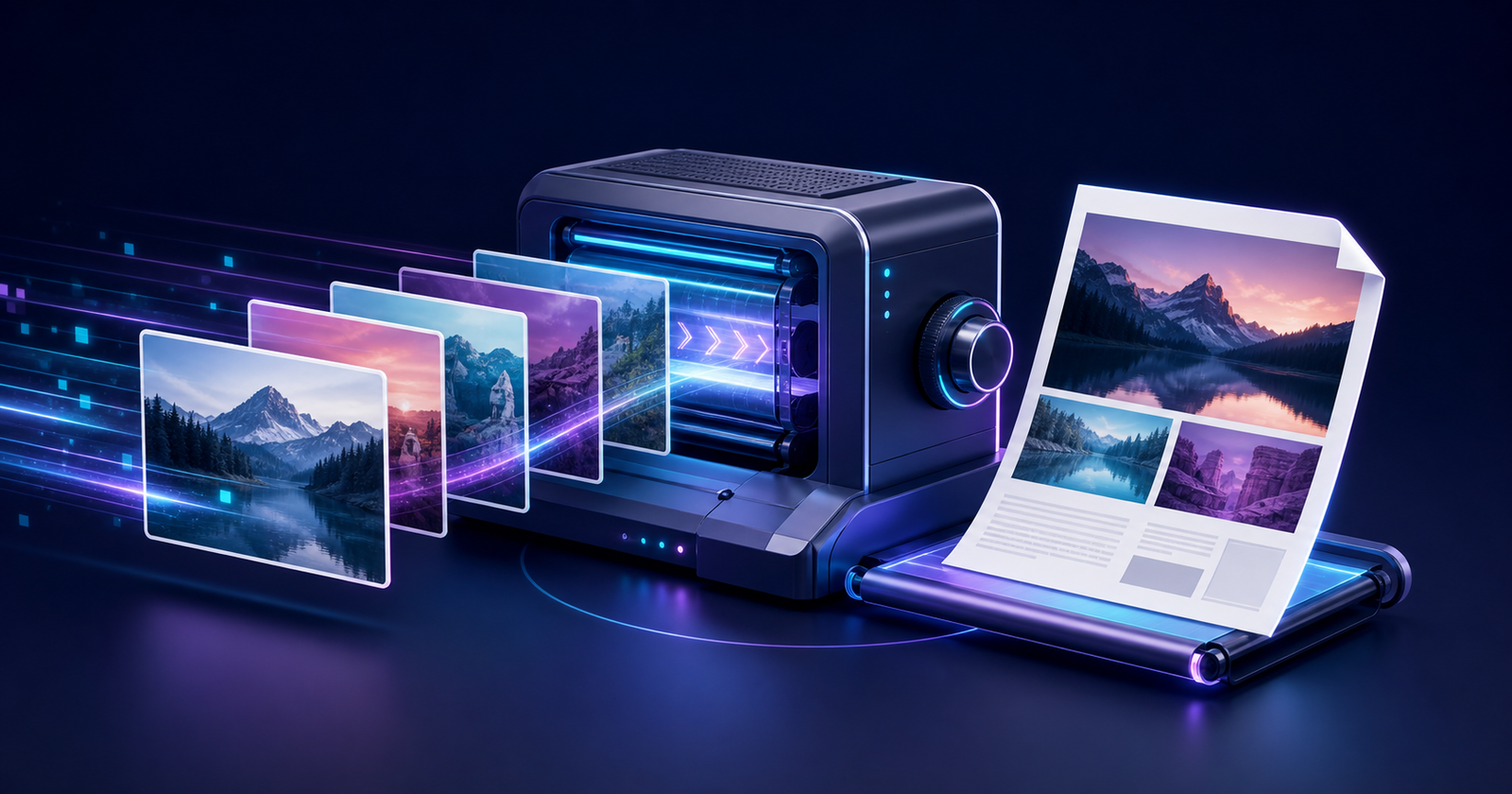
The utily.tools PDF Creator loads image files, displays previews, supports reordering and builds one PDF locally. It demonstrates how a browser can perform useful document generation without uploading source images.
Embedding raster content into page coordinates
A PDF page defines a coordinate system measured in points. An embedded image becomes a reusable PDF object, and a content stream draws that object at a position and size. One source image can map to one page whose dimensions follow the image or a selected paper format.
JPEG data is often stored directly with efficient compression. PNG may preserve lossless pixels and transparency. Other formats first need browser decoding and canvas conversion to a supported representation.
Technical foundations and behavior
Image-to-PDF conversion decodes the source into samples and metadata, determines color space, bit depth, transparency and orientation, then embeds a compatible image stream. A page content stream maps that image into PDF user space with a transformation matrix, preserving aspect ratio according to the chosen layout policy.
Sizing policy
Native pixel dimensions used as points may produce unexpectedly large physical pages. Fit-to-page scaling preserves aspect ratio inside A4 or Letter margins. A deliberate DPI assumption, such as 96 or 300, makes print dimensions predictable.
Rotation and metadata
Phone photographs may rely on EXIF orientation. Canvas decoding commonly applies orientation, while direct embedding may not. A robust creator should normalize rotation and decide whether metadata is retained or intentionally removed.
Resolution, compression and output size
Large photographs can consume substantial decoded memory even when their compressed files are small. Downsampling lowers memory and document size at the cost of detail. Lossy compression suits photographs, while lossless compression better preserves diagrams, text and transparency.
Real-world applications
Expense documentation
A set of receipt photographs becomes one ordered PDF attached to an expense report.
Portfolio assembly
Exported artwork is arranged into a single presentation while keeping the original image files unchanged.
Mobile scan workflow
Corrected document photos are converted locally into a PDF before they leave the device.
Standards and deeper technical reference
Mapping image pixels to a physical page
PDF page coordinates use user-space units, conventionally 72 points per inch. An A4 page is approximately 595×842 points and US Letter is 612×792 points. To fit an image without distortion, compute scale = min(availableWidth/imageWidth, availableHeight/imageHeight), then center or align the scaled result inside the margins.
Pixel metadata may include a DPI hint, but browser-decoded images primarily expose pixels. Decide whether the workflow prioritizes a chosen paper size, a chosen physical DPI or one PDF point per source pixel. Each produces different print dimensions.
| Decision | Options | Consequence |
|---|---|---|
| Page size | A4, Letter, custom or image-sized | Controls physical output and pagination consistency |
| Fit mode | Contain, cover or actual size | Contain preserves all pixels; cover crops; actual size can overflow |
| Orientation | Portrait, landscape or automatic | Automatic can minimize unused space per image |
| Margins | None or fixed points | Printer-safe margins reduce usable area |
| Compression | JPEG quality or lossless embedding | Trades file size against artifacts and transparency |
Embedding JPEG and PNG correctly
JPEG stores already compressed image samples and is efficient for photographs. PNG supports lossless compression and alpha transparency and is better for screenshots, diagrams and flat graphics. Converting every input to JPEG can create halos around transparency and blur text.
Apply EXIF orientation before measuring layout, preserve aspect ratio and define a background when flattening alpha. Very high-resolution photos should be downsampled to the intended print resolution before embedding; shrinking only the drawing rectangle does not necessarily reduce PDF bytes.
Metadata, accessibility and resource limits
A professional PDF can include title, author, subject, keywords, creation date and page order. Image-only pages contain no searchable text or semantic structure. OCR can add a hidden text layer, while tagged PDF and alternative text require a more advanced authoring pipeline.
Generate locally for privacy, but cap image dimensions and total decoded pixels. Decode sequentially where possible, display the final page count and size, and ensure the output begins with a valid PDF header and can be reopened before offering it to the user.
Primary specifications and references
- PDF 2.0 specification, ISO 32000-2PDF Association / ISO
- PNG Specification, Third EditionW3C
- Exif 3.0 metadata specificationCIPA / JEITA
Conclusion
Image-to-PDF creation is a page-layout operation involving decoding, coordinate systems, sizing, compression and output memory. A clear policy for physical dimensions produces better documents than blindly mapping pixels to points.
I think browser-side generation is ideal for small personal workflows because it is immediate and keeps inputs local. Try the utily.tools PDF Creator and read the merger and splitter articles to understand the complete PDF toolset.