
Introduction
Screenshots, scanned forms, photographs and historical archives contain text as pixels rather than characters. Search engines cannot index it directly, screen readers cannot interpret it and users cannot copy it into another application.
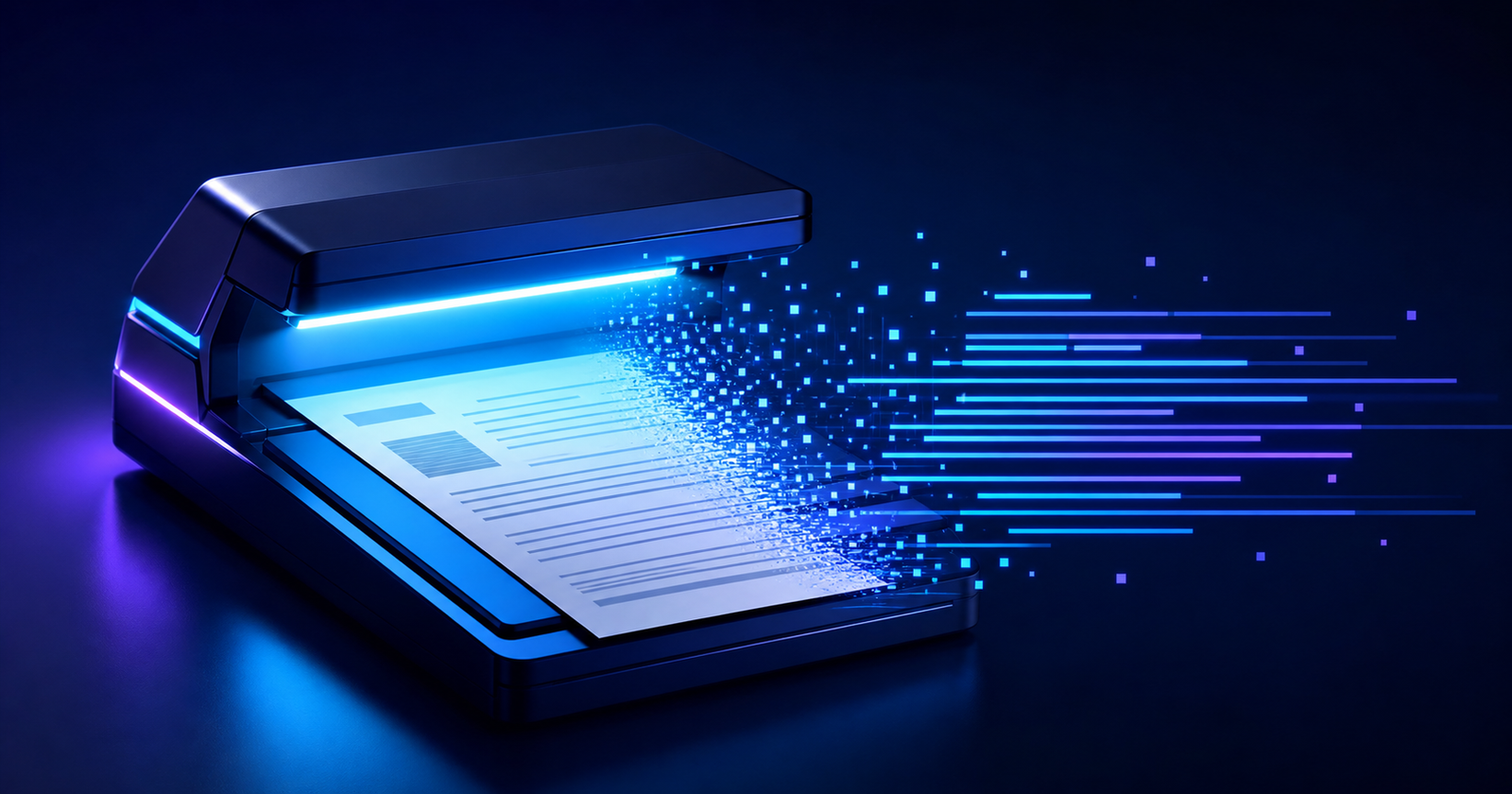
Optical character recognition converts those visual patterns into machine-readable text. It is used in document digitization, accessibility, invoice processing, identity workflows and archival search. The utily.tools OCR Converter runs recognition through Tesseract.js in the browser.
From pixels to characters and words
An OCR pipeline analyzes an image, locates text regions, segments lines or symbols and predicts characters using a trained model. Modern engines combine visual recognition with language information so ambiguous shapes can be interpreted in context.
Recognition is probabilistic. Resolution, contrast, blur, perspective, font, handwriting and language influence confidence. The output should be reviewed when it controls money, identity or legal records.
Technical foundations and behavior
A recognition pipeline converts compressed image data into pixels, normalizes contrast and geometry, analyzes page layout, segments lines or regions and classifies character sequences with trained models. Language constraints and confidence scores help rank alternatives, while post-processing reconstructs words and reading order.
Image preprocessing
Grayscale conversion, contrast adjustment, thresholding, deskewing, denoising and perspective correction can dramatically improve input. Upscaling may help small glyphs but cannot recreate detail absent from the source.
Segmentation and language models
Page-segmentation modes describe whether the image contains a block, sparse text or a single line. Selecting the correct trained languages narrows predictions and handles accents, but loading more languages increases startup cost.
Computational cost, confidence and privacy
OCR expands compressed images into large pixel matrices and may evaluate several layout and language hypotheses, so memory and processing cost grow with resolution and page count. Local processing can reduce data exposure, but model assets, retention policy and the treatment of recognized text must still be considered.
Real-world applications
Scanned document indexing
A document-management system adds recognized text beside the original scan so records become searchable.
Screenshot recovery
A developer extracts an error message from an image before searching logs or documentation.
Invoice assistance
OCR proposes supplier, date and amount fields, while validation rules and human review confirm the final accounting data.
Standards and deeper technical reference
The OCR pipeline from pixels to characters
Optical character recognition is a pipeline rather than one classification call. Preprocessing estimates orientation, removes noise, normalizes illumination, deskews the page and may binarize it. Layout analysis identifies blocks, columns, lines and reading order. Recognition converts line images into character sequences, and language models rank plausible outputs.
Tesseract 4 introduced an LSTM-based recognition engine and Tesseract 5 continues that architecture. LSTM networks model context across a text line, which helps distinguish ambiguous glyphs. The traineddata package supplies script, language, character set, dictionaries and network parameters, so choosing the correct model is part of the algorithm.
| Stage | Purpose | Frequent failure |
|---|---|---|
| Image acquisition | Capture enough signal | Motion blur, glare, low DPI and compression artifacts |
| Preprocessing | Deskew, denoise and normalize contrast | Removing thin strokes or preserving background noise |
| Layout analysis | Find regions, lines and order | Mixing columns, captions or tables |
| Recognition | Map line image to symbol sequence | Similar glyphs such as O/0 and l/1 |
| Post-processing | Apply language and format constraints | Overcorrecting names, codes or multilingual text |
Segmentation modes, confidence and evaluation
Page segmentation mode encodes assumptions: a full page of blocks, one uniform block, one line or one sparse-text image require different analysis. Supplying the wrong mode can be more damaging than using a smaller recognition model. Regions of interest reduce noise when the expected field location is known.
Confidence is a model score, not a probability that guarantees correctness. Evaluate Character Error Rate and Word Error Rate against representative ground truth, separated by document class and language. For structured identifiers, add format and check-digit validation but retain the original image for human review.
Execution models, privacy and resource limits
OCR may run locally, on an edge device or as a remote service. Local execution can reduce data exposure and network latency, while centralized execution can provide larger models and specialized hardware. In every model, decoded pixel buffers are much larger than compressed uploads and should be bounded by dimensions, page count and available memory.
Resize only to a resolution that preserves character detail and retain the original for audit or human review when the workflow is consequential. OCR output is untrusted text: validate it before using it as an identifier, command, query, address or navigation target.
Primary specifications and references
- Tesseract 5 User ManualTesseract OCR project
- Tesseract LSTM architecture overviewTesseract OCR project
- Tesseract.js documentationTesseract.js project
Conclusion
OCR combines image processing, segmentation and trained recognition models to bridge visual documents and textual systems. Quality and confidence depend heavily on the source image and selected language.
My opinion is that OCR is most valuable as an assisted extraction step, not an unquestioned source of truth. Try clear images with the utily.tools OCR Converter and read the other site articles about images, QR codes and PDF processing.